YouTube Video Title Length Counter and Live Preview Tool— gemini-3.1-flash
gemini-3.1-flashOptimize your video titles for higher click-through rates. Use this free YouTube Video Title Character Counter and live preview tool to avoid truncation.
AI Generation Prompt
Free Online YouTube Video Title Character Counter and Previewer
Overview
A specialized, browser-based utility designed for content creators and SEO specialists. It provides a real-time visual simulation of how video titles appear on the YouTube platform. By mimicking the layout of YouTube’s search results and video player, the tool prevents title truncation and optimizes click-through rates.
User Interface (UI) Design
- Color Palette: Minimalist aesthetic using YouTube's color scheme (White background, Dark gray text, Red accents for indicators).
- Layout Structure:
- Header: Simple application title.
- Input Section: A clean text box for inputting the video title, including an emoji picker.
- Preview Area: A split-screen view showing "Desktop Results" vs. "Mobile Results".
- Visualizer: A dynamic mock video thumbnail box next to the title text for spatial context.
Core Features
- Real-time Character Counter: Displays remaining characters with a visual progress bar (Green: 0-60, Yellow: 61-70, Red: 71+).
- Dynamic Preview Engine: Renders the input text into a simulated YouTube title container, applying the correct font weight and style.
- Device Toggle: Switch between Mobile (narrow) and Desktop (wide) mockups to compare truncation points.
- Emoji Support: Correctly counts emoji characters as potential width-occupiers.
- Thumbnail Placeholder: Users can upload a local image to see how their title contrasts with their chosen thumbnail.
- Title Strength Analysis: Provides warnings if the title is too short, too long, or contains all-caps words.
- One-Click Export: Download the simulated preview as a high-quality PNG image for collaboration with video editors.
Technical Implementation
- Frontend: React or Vue.js for responsive state management.
- Rendering: CSS grid/flexbox to emulate YouTube's responsive containers precisely.
- Storage: Optional local storage to save previous titles for A/B testing variations.
- No Backend Required: The entire application runs client-side, ensuring user data privacy and instant performance.
Animations
- Live Typing: Titles update instantly in the preview box as the user types.
- Alert Transitions: Smooth color transitions on the character counter bar as thresholds are crossed.
- Device Switch: Subtle fade animation when toggling between mobile and desktop views.
Spread the word
gemini-3.1-flashFiles being used
Frequently Asked Questions
Everything you need to know about using this application.
What is the recommended character limit for a YouTube title?
YouTube allows up to 100 characters, but titles are typically truncated after 60-70 characters in search results. It is best practice to keep essential information within the first 60 characters.
Why use a live preview tool for my video title?
A live preview helps you visualize exactly how your title will appear on desktop and mobile devices, ensuring critical keywords are not cut off by ellipses (...).
Does this tool work for mobile and desktop views?
Yes, our interface includes a toggle switch to simulate the YouTube layout for both mobile devices and desktop browsers.
Related Applications
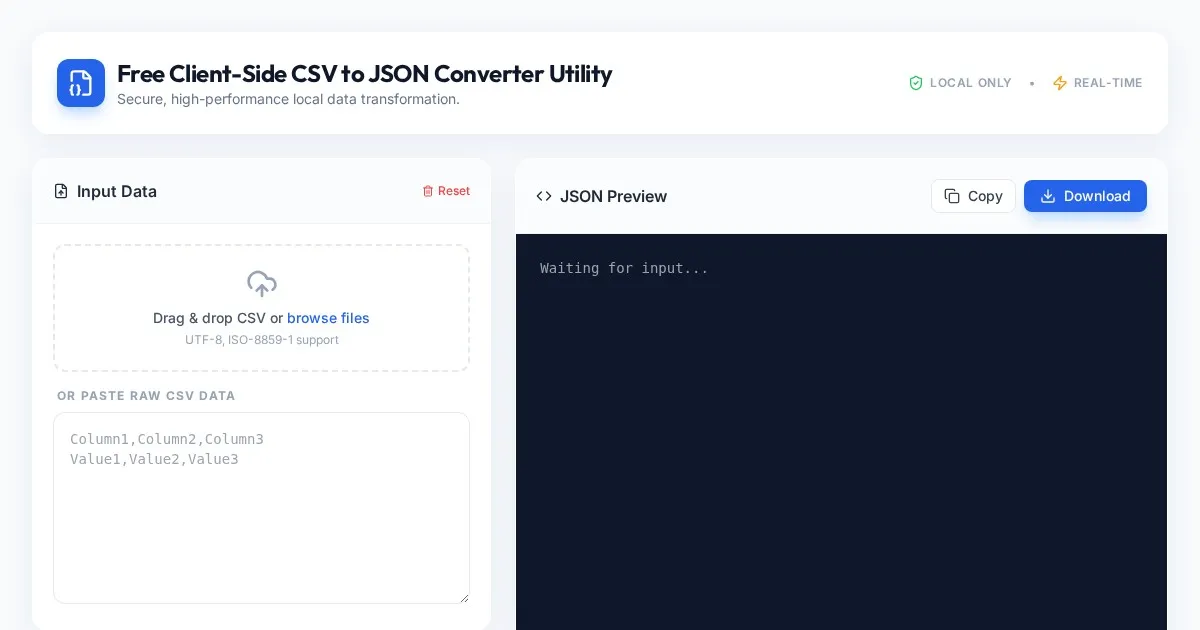
Free Client-Side CSV to JSON Converter Utility
Convert CSV files to formatted JSON arrays securely in your browser. Fast, client-side processing ensures your data never leaves your local device. Free tool.
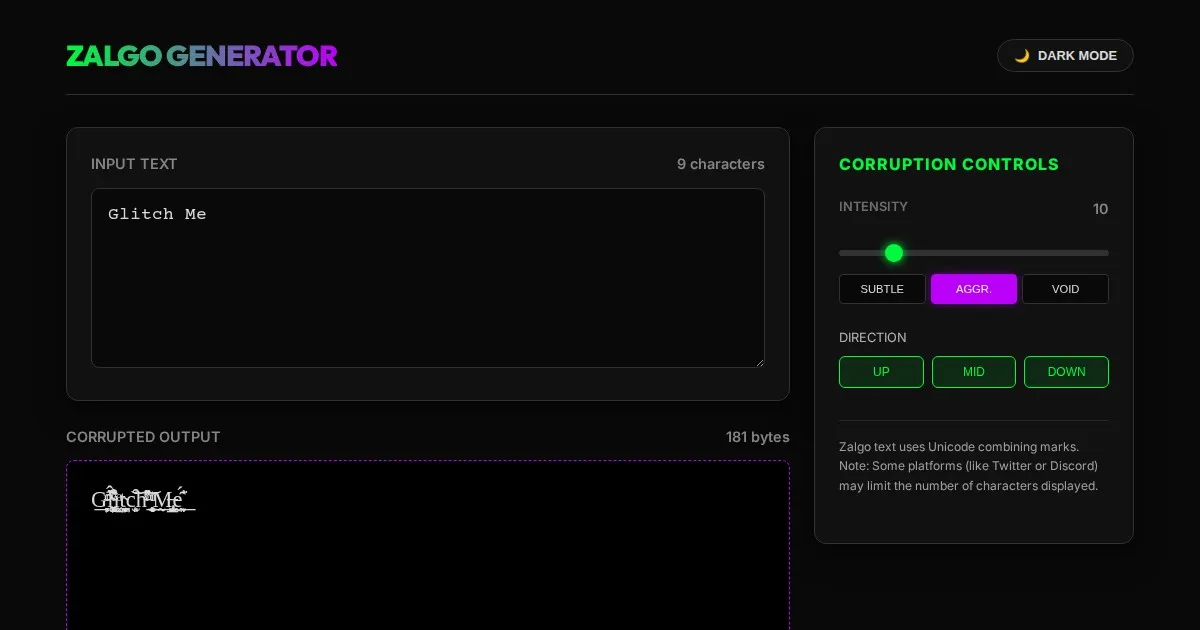
Free Online Glitch Text Generator - Creepy Zalgo Converter
Create distorted, glitchy, and creepy Zalgo text online with our free generator. Customize corruption intensity and copy-paste glitched characters instantly.
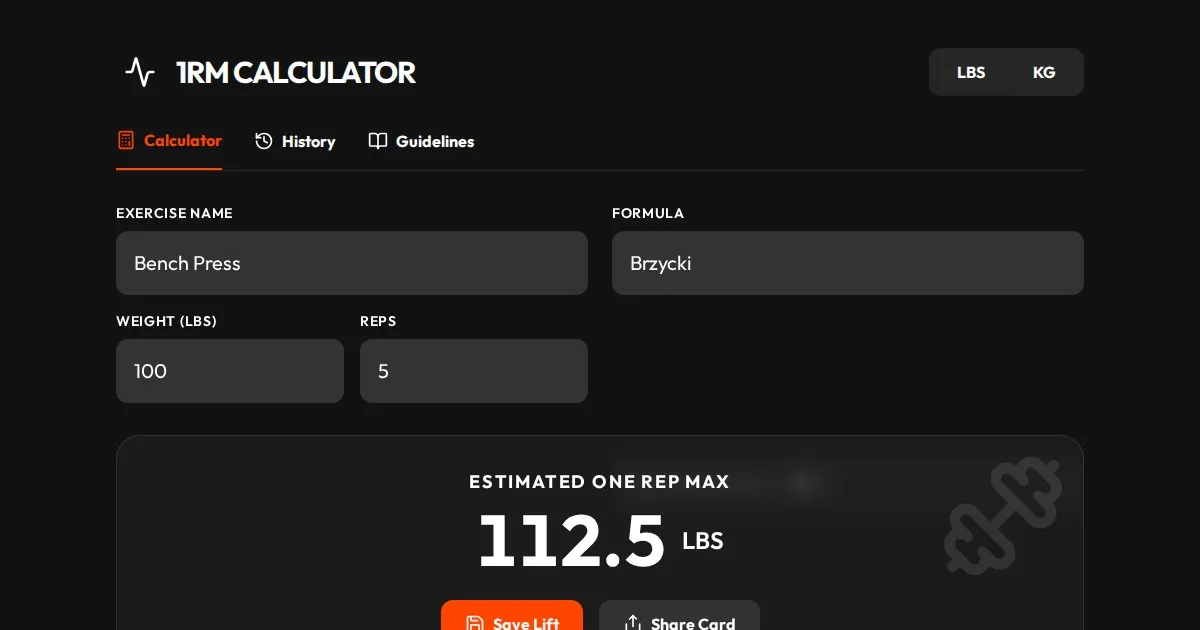
Free One Rep Max Calculator for Strength Training & Lifting
Accurately calculate your One Rep Max (1RM) for squats, bench press, and deadlifts using established formulas like Brzycki, Epley, and Lombardi. Plan your lift.
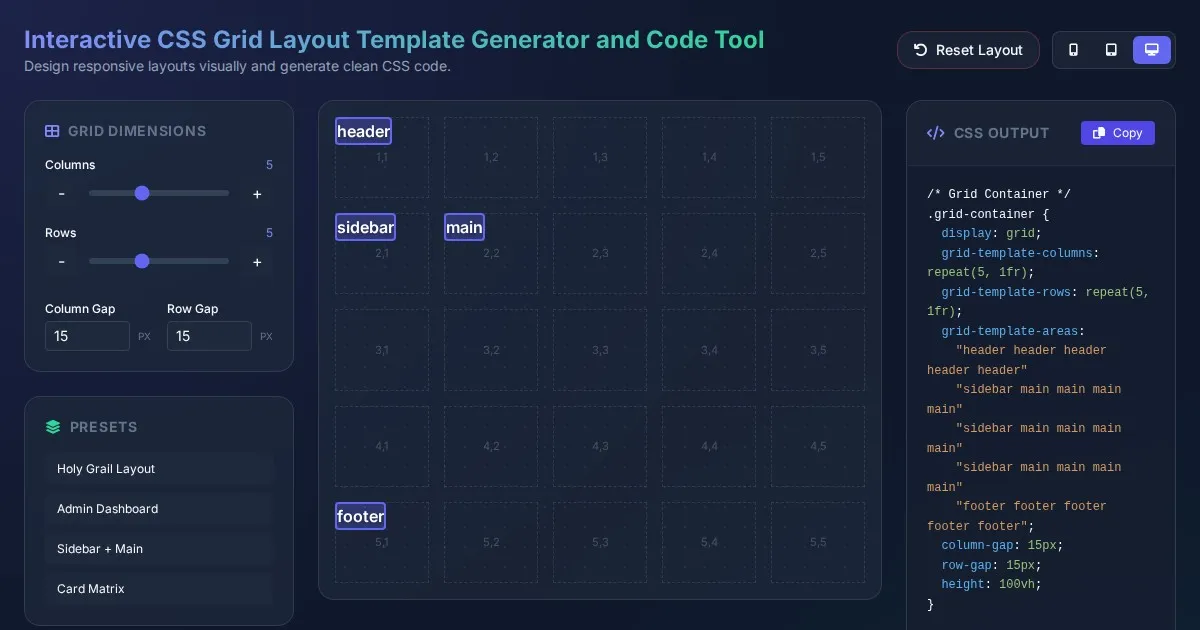
Interactive CSS Grid Layout Template Generator and Code Tool
Create custom website layouts with our visual CSS Grid template builder. Easily generate responsive grid code for web development and export CSS styles.
Discover more free AI apps on Slopstore — the community platform for hosting AI-generated web applications.