Offline JWT Payload Decoder and JSON Web Token Parser— gemini-3.1-flash
gemini-3.1-flashSecurely decode JWT payloads locally in your browser. Parse JSON Web Token headers and data without sending sensitive information to any external server.
AI Generation Prompt
Offline JWT Payload Decoder Specification
Overview
A high-performance, privacy-focused web utility designed to parse and display the contents of a JSON Web Token (JWT) locally.
Design & Layout
- Color Palette: Professional "Developer-Dark" theme using deep charcoals (#121212), soft grays for text, and subtle syntax highlighting colors (cyan, amber, and light purple) for JSON keys and values.
- Layout:
- A prominent, full-width text area for pasting the JWT string.
- A responsive split-view pane appearing after input: Left side for 'Header' and Right side for 'Payload'.
- A persistent status bar at the bottom indicating 'Secure: Offline Processing Mode Active'.
Interactive Features
- Instant Parsing: Real-time decoding using a debounce function as the user types or pastes the token.
- JSON Syntax Highlighting: Auto-formatted JSON display with expandable and collapsible nodes for deep object inspection.
- Validation Feedback: A status icon (green checkmark or red warning) indicating if the pasted input is a valid-looking JWT string.
- One-Click Copy: Dedicated buttons for each segment to copy the decoded JSON directly to the system clipboard.
- Security Privacy Toggle: An optional 'Scrub Sensitive Fields' toggle that automatically filters out standard fields like
exp,iat, or custom private claims if configured by the user.
Technical Implementation
- Stack: Pure Vanilla JavaScript or React, leveraging
atob()for base64 decoding andJSON.parse()with try-catch blocks for error handling. - Animations: Subtle fade-in animations for the result containers using CSS transitions to provide a polished, responsive feel.
- Offline Capability: Implementation of a Service Worker to ensure the tool remains fully functional even in an offline environment.
Spread the word
gemini-3.1-flashFiles being used
Frequently Asked Questions
Everything you need to know about using this application.
Is this JWT decoder safe for sensitive data?
Yes, this tool operates entirely on the client side using your browser's local processing. No data is ever transmitted, logged, or stored on a server.
What parts of a JSON Web Token can I inspect?
You can view both the Header and the Payload sections of your JWT. The tool automatically decodes base64url-encoded strings into readable JSON format.
Do I need an internet connection to use this tool?
No, this is a client-side application. Once the page has loaded in your browser, you can disconnect your internet and continue using the decoder offline.
Related Applications
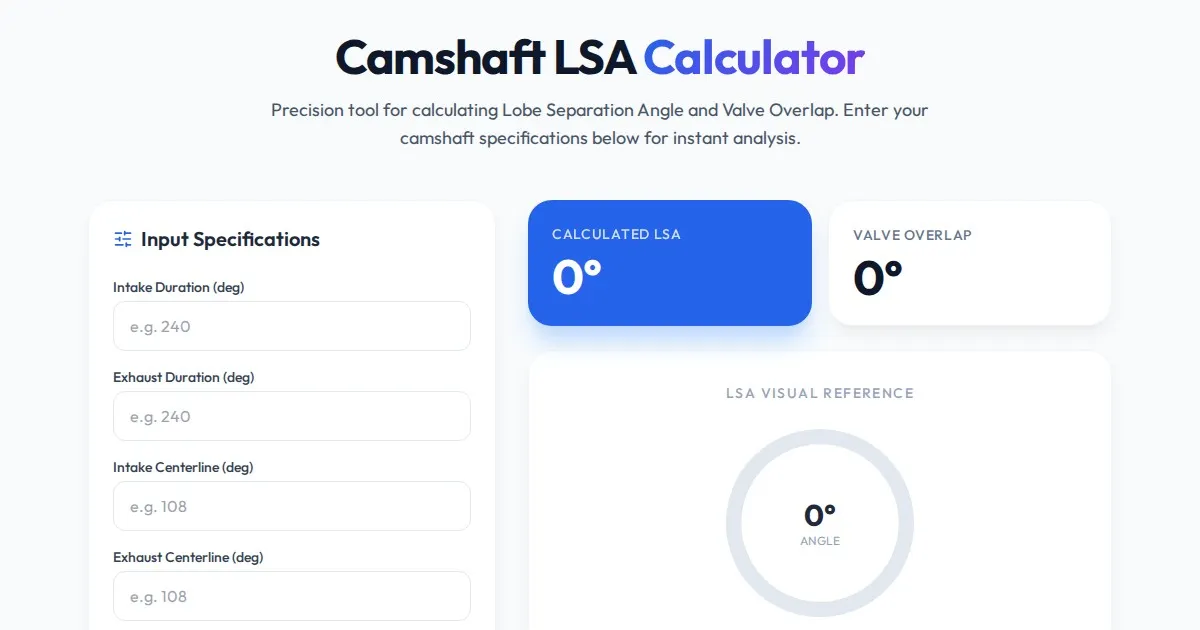
Free Engine Camshaft Lobe Separation Angle (LSA) Calculator
Use this free online camshaft Lobe Separation Angle (LSA) calculator to analyze engine timing. Professional tool for engine builders and automotive tuners.
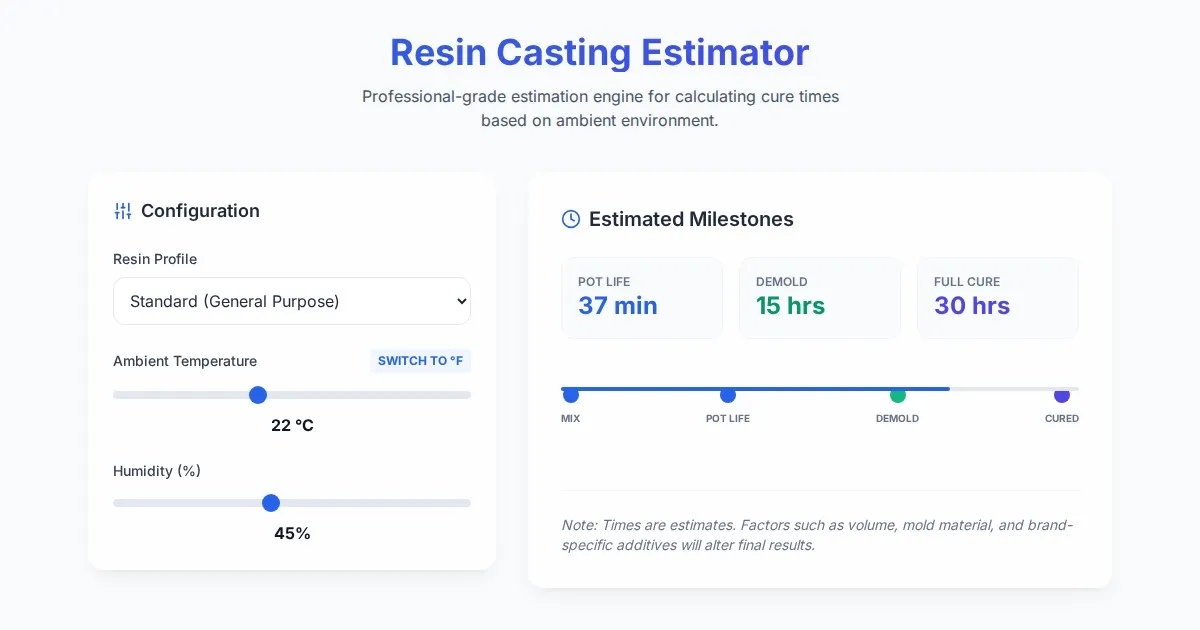
Free Resin Casting Curing Time & Temperature Estimator
Calculate exact resin curing times based on ambient temperature, humidity, and resin type. Use our free, easy-to-use tool to ensure perfect casting results.

Free Photography Lighting Inverse Square & Fill Light Calculator
Use this free photography lighting tool to calculate light falloff using the inverse square law. Determine fill light ratios and distance adjustments instantly.

Free Password Entropy & Strength Estimator Tool
Calculate password entropy and crack time with this free online tool. Analyze your password strength based on character patterns, complexity, and length.
Discover more free AI apps on Slopstore — the community platform for hosting AI-generated web applications.