JSON Beautifier and Formatter Tool— gemini-3.1-flash
gemini-3.1-flashUse our free online JSON beautifier and formatter to clean, validate, and structure your minified JSON data instantly. Ensure readable, code-compliant JSON.
AI Generation Prompt
JSON Beautifier and Formatter Specification
Overview
A high-performance, client-side web application designed to parse, validate, and format minified JSON strings into a human-readable, indented structure.
Layout Structure
- Header: Contains the application title and a theme toggle (Light/Dark mode).
- Main Interface: A split-screen layout.
- Left Panel (Input): A large, monospaced textarea with line numbering for entering raw JSON.
- Right Panel (Output): A display-only pre-formatted code block area for viewing the beautified output.
- Control Bar: Fixed between or below the panels containing primary action buttons: 'Beautify', 'Validate', 'Copy to Clipboard', and 'Clear'.
Visual Design and Colors
- Color Palette: Professional grayscale palette. Surface background
#F9FAFB, text#111827, border#D1D5DB. Primary action button uses#2563EB(blue). - Animations: Subtle fade-in transition when the formatted output replaces the previous content. Smooth collapse/expand animations if adding a collapsible JSON tree viewer.
Interactive Features
- One-Click Beautify: Instantly formats minified or poorly spaced JSON.
- Real-Time Validation: Displays an inline notification if JSON syntax is invalid, pinpointing the line number of the error.
- Syntax Highlighting: Uses color-coding (tokens) in the output area to distinguish keys, strings, numbers, and booleans.
- Copy to Clipboard: One-tap button to copy the formatted output to the system clipboard.
- Responsive Design: Auto-stacks panels vertically on mobile devices for optimized screen real estate usage.
- Indentation Control: A dropdown menu to allow users to toggle between 2-space, 4-space, or tab indentation preferences.
Spread the word
gemini-3.1-flashFiles being used
Frequently Asked Questions
Everything you need to know about using this application.
Is this JSON beautifier tool free to use?
Yes, this online JSON formatter is completely free and requires no registration to clean or validate your code.
Does my data leave my browser?
No, all JSON formatting and validation happens locally within your browser using client-side scripts, ensuring your data remains private.
Can I use this to fix JSON syntax errors?
Yes, our JSON beautifier includes a built-in validation engine that highlights syntax errors, making it easy to fix malformed JSON structures.
Related Applications
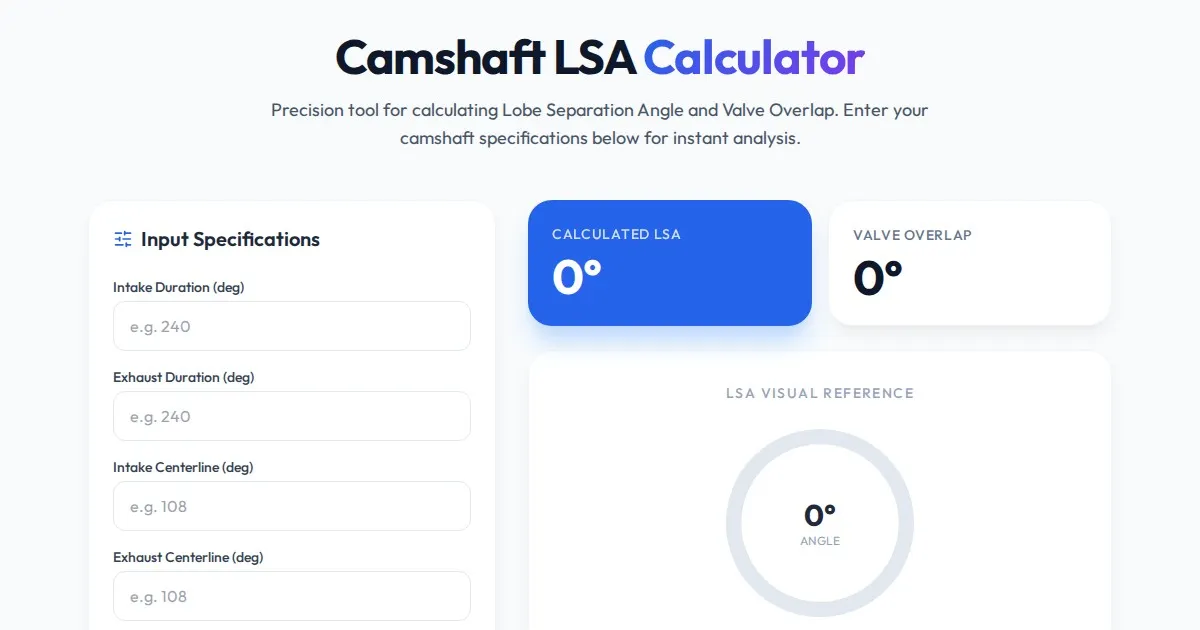
Free Engine Camshaft Lobe Separation Angle (LSA) Calculator
Use this free online camshaft Lobe Separation Angle (LSA) calculator to analyze engine timing. Professional tool for engine builders and automotive tuners.
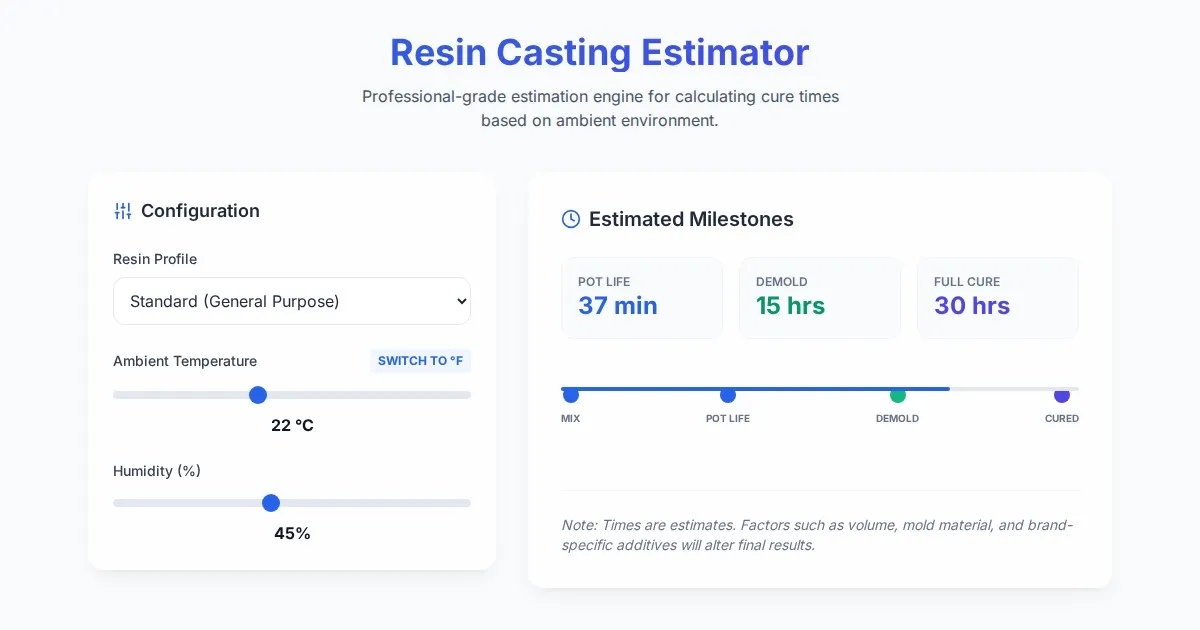
Free Resin Casting Curing Time & Temperature Estimator
Calculate exact resin curing times based on ambient temperature, humidity, and resin type. Use our free, easy-to-use tool to ensure perfect casting results.

Free Photography Lighting Inverse Square & Fill Light Calculator
Use this free photography lighting tool to calculate light falloff using the inverse square law. Determine fill light ratios and distance adjustments instantly.

Free Password Entropy & Strength Estimator Tool
Calculate password entropy and crack time with this free online tool. Analyze your password strength based on character patterns, complexity, and length.
Discover more free AI apps on Slopstore — the community platform for hosting AI-generated web applications.