Interactive Markdown Table Builder and Generator— gemini-3.1-flash
gemini-3.1-flashCreate, edit, and format Markdown tables easily with our visual generator. Copy clean syntax for GitHub, Reddit, or documentation sites instantly.
AI Generation Prompt
Markdown Table Builder and Editor Specification
Overview
A client-side web application designed to simplify the creation of Markdown-formatted tables. It provides a spreadsheet-like interface for users to enter data, configure alignment, and generate valid Markdown syntax.
Layout & Design
- Color Palette: Clean professional aesthetic using neutral grays, white backgrounds, and a high-contrast accent color (e.g., Cobalt Blue) for primary actions.
- Layout Structure:
- Top: Header with instructions.
- Middle: Interactive grid editor with draggable handles for resizing columns.
- Sidebar/Toolbar: Alignment controls (Left, Center, Right) and structural buttons.
- Bottom: Live preview window and syntax output area.
Key Features
- Spreadsheet Editor: A visual grid system where cells support tab-navigation and arrow-key movement.
- Dynamic Row/Column Management: Buttons to add/remove rows or columns at specific indices.
- Alignment Controls: Per-column alignment buttons that update the Markdown delimiter row automatically (e.g.,
:---:for centered). - Live Preview: A secondary pane that renders the generated Markdown in real-time as a readable HTML table.
- Instant Copy-to-Clipboard: A single-click trigger to copy the raw syntax.
- Import Capability: Ability to paste raw Markdown table syntax into the app to convert it back into an editable grid.
- Responsive Design: Ensures the grid interface remains usable on tablet-sized displays.
Animations & Interactivity
- Smooth Transitions: Subtle fade-ins when adding new rows.
- Focus States: Highlighting of active cells with a glowing border to indicate input mode.
- Feedback: Toast notification when code is successfully copied to the clipboard.
Technical Constraints
- Storage: Use
localStorageto save the user's current table session automatically. - Performance: Ensure zero-latency updates using efficient DOM reconciliation for the live preview window.
Spread the word
gemini-3.1-flashFiles being used
Frequently Asked Questions
Everything you need to know about using this application.
What is the Markdown Table Builder?
The Markdown Table Builder is a browser-based tool that allows users to create, modify, and format tables visually without needing to manually type the complex pipe and hyphen syntax required by Markdown.
How do I export my table?
Once you have built your table in the editor, click the 'Copy Markdown' button to instantly export the clean, standardized pipe-delimited syntax to your clipboard for use in platforms like GitHub or Discord.
Is this markdown table editor free to use?
Yes, this is a free, client-side web application. All table processing happens directly in your browser, ensuring privacy and fast performance without the need for server-side requests.
Related Applications
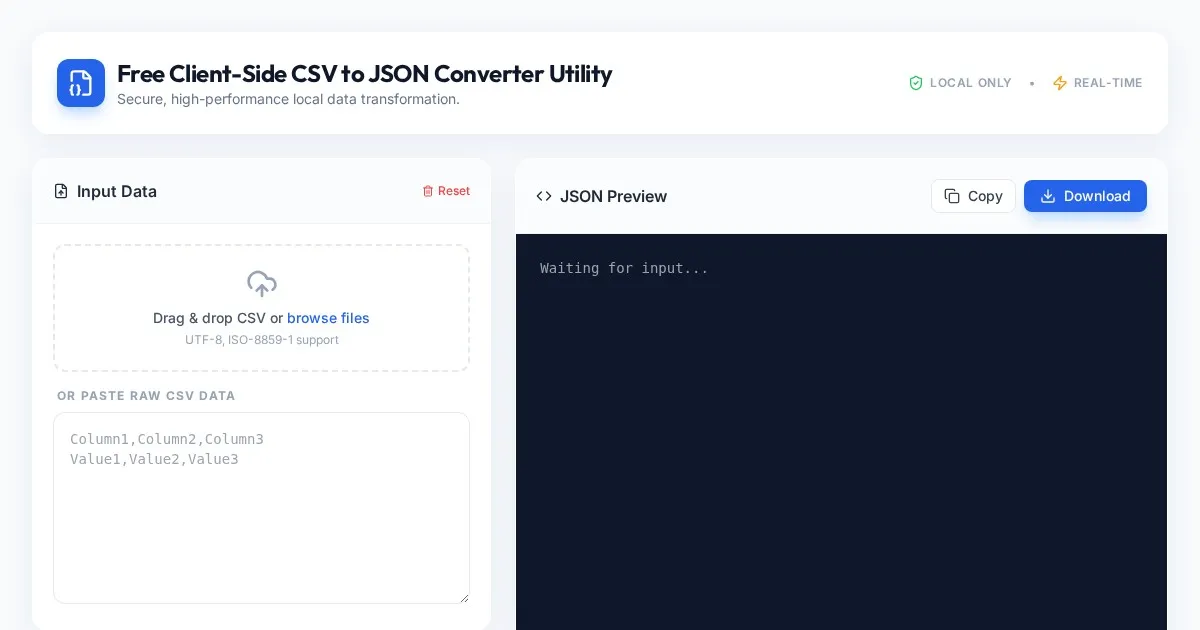
Free Client-Side CSV to JSON Converter Utility
Convert CSV files to formatted JSON arrays securely in your browser. Fast, client-side processing ensures your data never leaves your local device. Free tool.
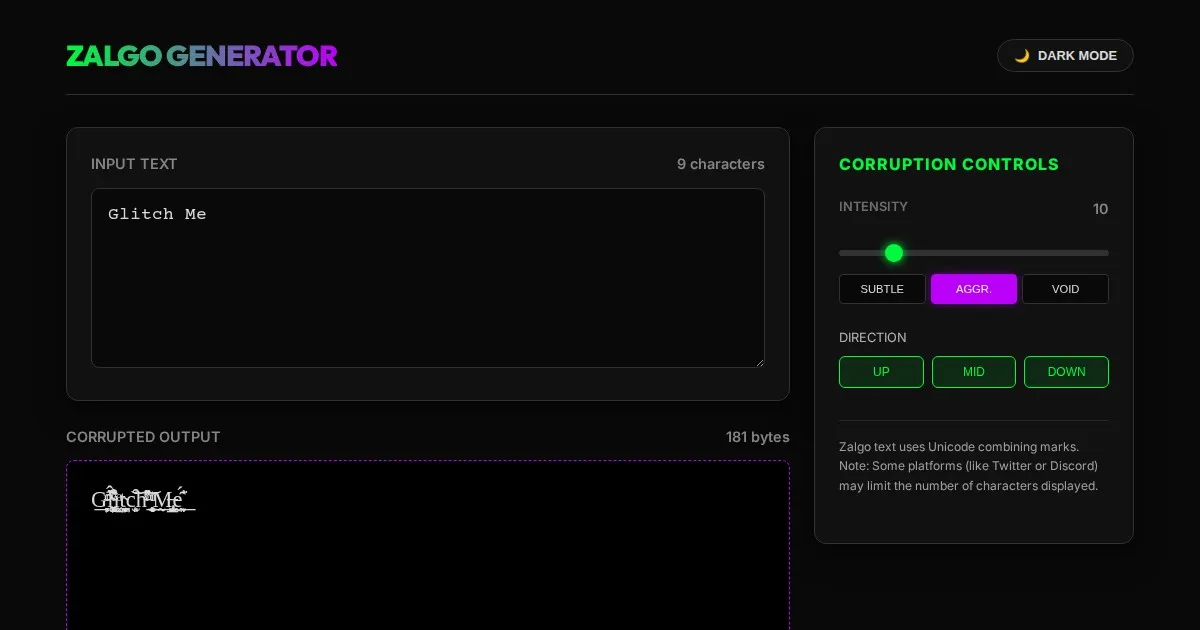
Free Online Glitch Text Generator - Creepy Zalgo Converter
Create distorted, glitchy, and creepy Zalgo text online with our free generator. Customize corruption intensity and copy-paste glitched characters instantly.
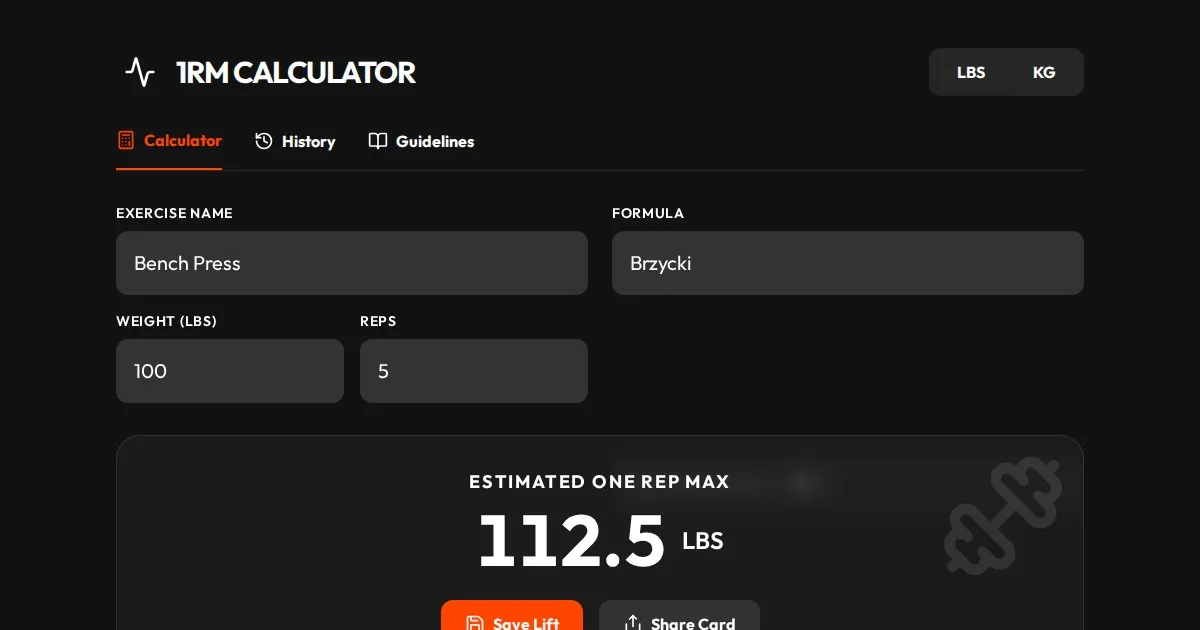
Free One Rep Max Calculator for Strength Training & Lifting
Accurately calculate your One Rep Max (1RM) for squats, bench press, and deadlifts using established formulas like Brzycki, Epley, and Lombardi. Plan your lift.
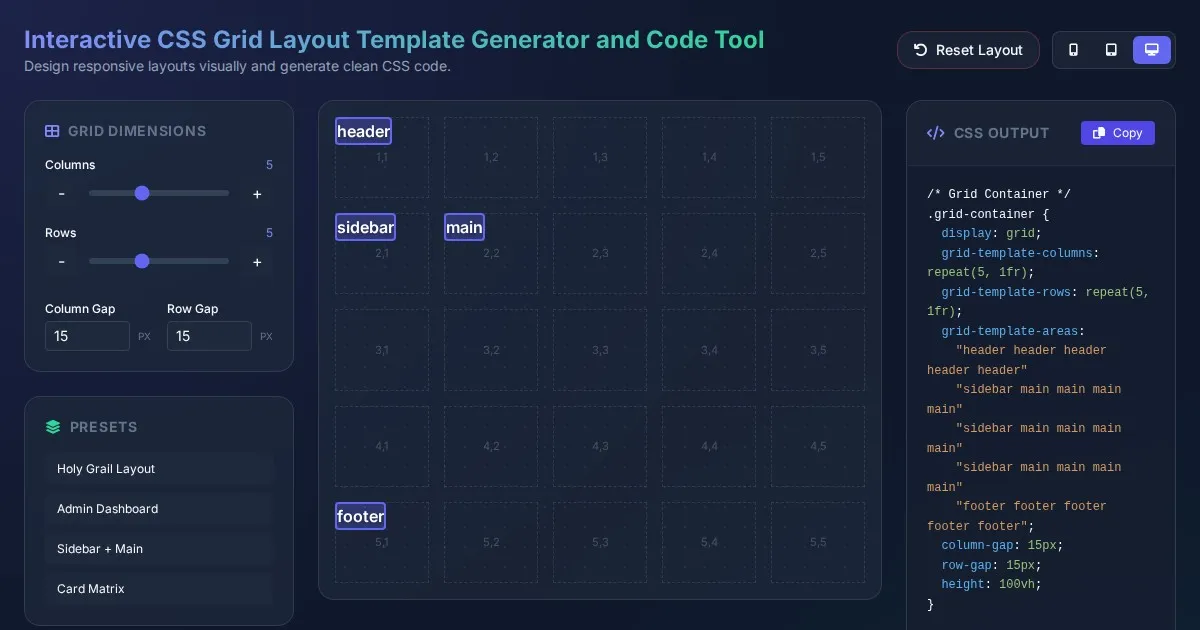
Interactive CSS Grid Layout Template Generator and Code Tool
Create custom website layouts with our visual CSS Grid template builder. Easily generate responsive grid code for web development and export CSS styles.
Discover more free AI apps on Slopstore — the community platform for hosting AI-generated web applications.