Guided Deep Breathing Exercise Timer with Ambient Sounds— models/gemini-3.1-flash-lite-preview
models/gemini-3.1-flash-lite-previewPractice mindfulness with this guided deep breathing exercise timer. Featuring a rhythmic pulsating visual guide and calming ambient background sounds.
AI Generation Prompt
Application Overview
The Guided Deep Breathing Exercise Timer is a web-based mindfulness tool designed to reduce stress and improve focus through visual and auditory breath regulation. The interface is intentionally minimalist to prevent cognitive overload.
Visual Design & Layout
- Color Palette: A soft, monochromatic theme utilizing 'Muted Sage' (#8A9A5B) for accents, 'Soft Slate' (#708090) for text, and a 'Warm Cream' (#F5F5DC) background to reduce eye strain.
- Central Element: A perfectly centered, soft-edged circle that uses a CSS transition for smooth, fluid expansion and contraction.
- Typography: Sans-serif, lightweight fonts (Inter or Open Sans) to maintain a clean, airy feel.
Interactive Features
- Pulsating Guide: An animated circle that pulses in a configurable rhythm (e.g., 4-7-8 pattern) to synchronize breath with movement.
- Ambient Soundscape Controls: A playback controller offering high-quality loops of 'Rainfall', 'Forest Wind', or 'Distant Waves'.
- Session Customization: A control panel to set session duration (5, 10, or 20 minutes) and specific timing for inhales, holds, and exhales.
- Progress Tracker: A subtle counter at the bottom showing how many cycles have been completed.
Animations & Transitions
- Fluid Motion: The circle uses ease-in-out timing functions to ensure the breathing movement feels natural, avoiding jerky transitions.
- Ambient Fade: Audio loops transition with a 3-second crossfade to prevent abrupt audio stops.
- Interface Minimalism: UI controls fade out when the breathing exercise begins, leaving only the breathing circle on the screen until the user moves the mouse or touches the screen.
Spread the word
models/gemini-3.1-flash-lite-previewFiles being used
Frequently Asked Questions
Everything you need to know about using this application.
How do I use the breathing pacer?
Simply follow the expansion and contraction of the central circle on your screen: inhale as it grows, hold at the peak, and exhale as it shrinks.
Can I customize the breathing duration?
Yes, you can adjust the length of your inhale, exhale, and hold intervals within the settings menu to match your comfort level.
Is the ambient noise optional?
Yes, the audio features a toggle switch allowing you to enable or disable relaxing ambient background sounds independently of the visual timer.
Related Applications
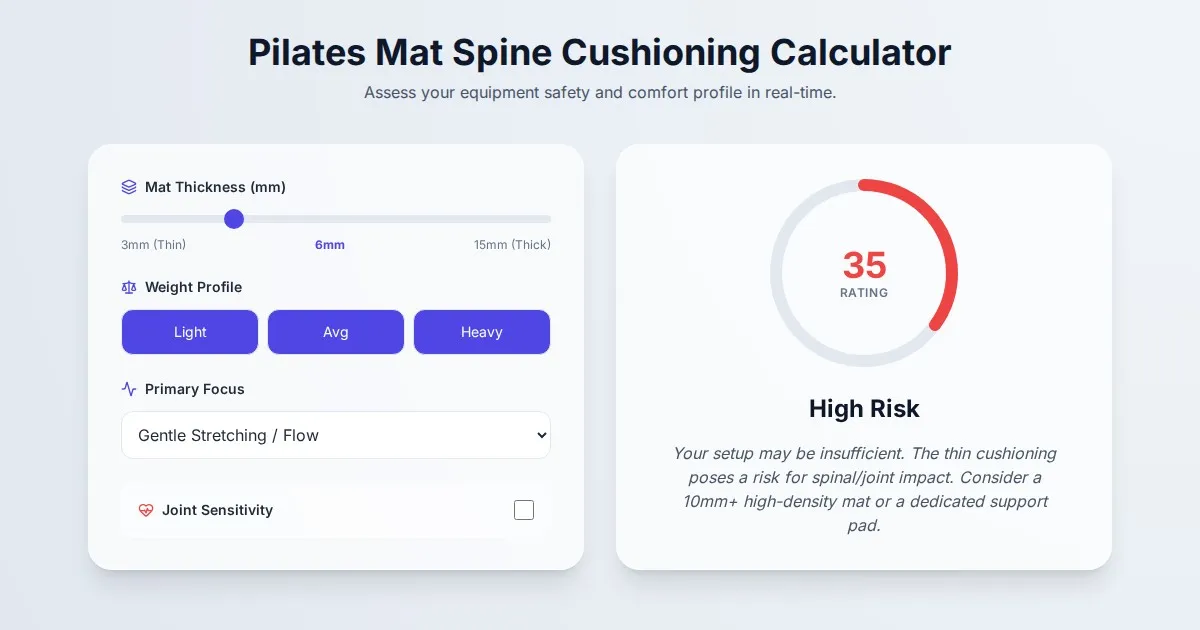
Free Pilates Mat Spine Cushioning & Comfort Calculator
Use our free Pilates mat thickness and spine cushioning calculator to determine if your mat provides enough support for floor exercises. Protect your joints today.
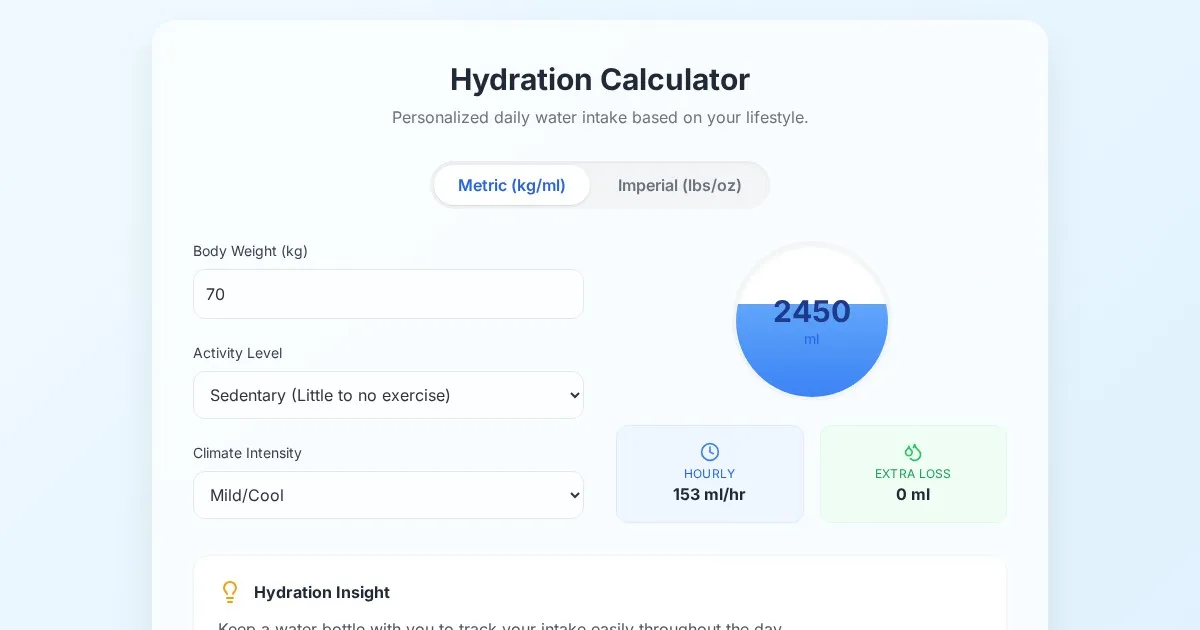
Free Daily Water Intake Calculator by Activity & Climate
Calculate your personalized daily water intake goal based on weight, climate, and exercise levels. Use this free tool to stay hydrated throughout the day.
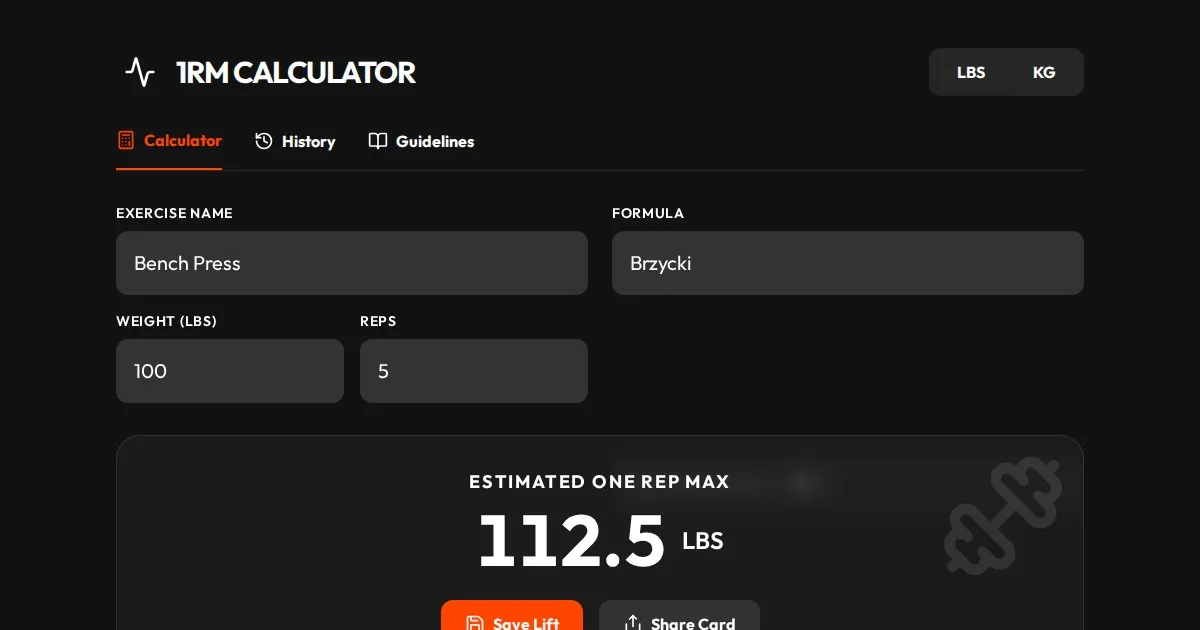
Free One Rep Max Calculator for Strength Training & Lifting
Accurately calculate your One Rep Max (1RM) for squats, bench press, and deadlifts using established formulas like Brzycki, Epley, and Lombardi. Plan your lift.
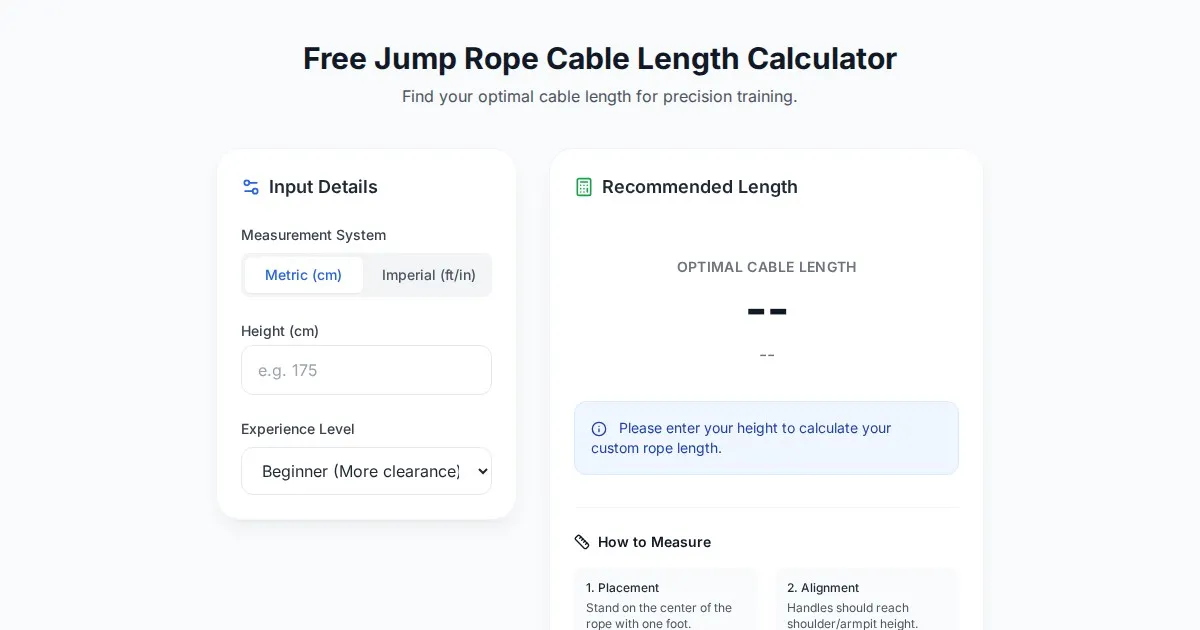
Free Jump Rope Cable Length Calculator
Accurately determine the ideal jump rope cable length for your height and skill level. Use this free, easy-to-use online tool to size your fitness or speed rope.
Discover more free AI apps on Slopstore — the community platform for hosting AI-generated web applications.