Git Command Generator for Complex Merges and Rebases— gemini-3.1-flash
gemini-3.1-flashEasily generate precise Git commands for complex branch merges, interactive rebases, and conflict resolution workflows with our automated command builder.
AI Generation Prompt
Git Command Generator for Complex Merges and Rebases
Overview
A client-side utility designed for software engineers to generate accurate, syntactically correct shell commands for non-trivial Git operations. The application eliminates the mental overhead of remembering complex flag combinations for merges, rebases, and cherry-picking.
Layout & Design
- UI Framework: Clean, terminal-inspired interface using a monospaced font family.
- Color Palette: High-contrast dark mode. Background:
#1e1e1e, Primary Accent:#f1e05a(Git Yellow), Success:#28a745(Terminal Green). - Structure:
- Left Sidebar: Navigation menu for operation types (Merge, Rebase, Cherry-Pick, Reset).
- Center Panel: An intuitive form builder with toggle switches for specific flags (e.g.,
--no-ff,--interactive,--onto). - Right Panel: A persistent "Result Window" displaying the final command with a "Copy to Clipboard" button.
Key Features
- Dynamic Form Builder: Users select their workflow (e.g., "Rebase onto new branch"). Inputs change dynamically to request source branch, target branch, and custom flag toggles.
- Visual Command Preview: As the user interacts with the form, the shell command updates in real-time within a code block.
- Safety Explainer: Each flag selected displays a brief tooltip explaining its implication (e.g., 'Warning: --force-with-lease is safer than --force').
- Copy-on-Click: A large, high-visibility button to copy the command directly into the system clipboard.
- History Logger: A local-storage-backed history tab allowing users to see their last 10 generated commands.
Animations & Interactions
- Transitions: Smooth layout shifts when changing operation modes.
- Feedback: Copying to the clipboard triggers a subtle 'pulse' animation on the code block, followed by a 'Copied!' toast message.
- Responsive Design: The layout collapses into a single-column view on smaller screens, ensuring readability on tablets and laptops used during pair programming.
Spread the word
gemini-3.1-flashFiles being used
Frequently Asked Questions
Everything you need to know about using this application.
How does the Git Command Generator handle complex merge conflicts?
The tool provides step-by-step terminal commands for aborting, resolving, and continuing merges, ensuring developers maintain repository integrity during complex branch integrations.
Is this tool suitable for interactive rebasing?
Yes, the generator includes a dedicated mode for interactive rebasing, offering precise command syntax for squashing, editing, and reordering commits safely.
Does the generator store my code or repository data?
No. The Git Command Generator runs entirely client-side in your browser, ensuring your repository information and code remain private and secure.
Related Applications
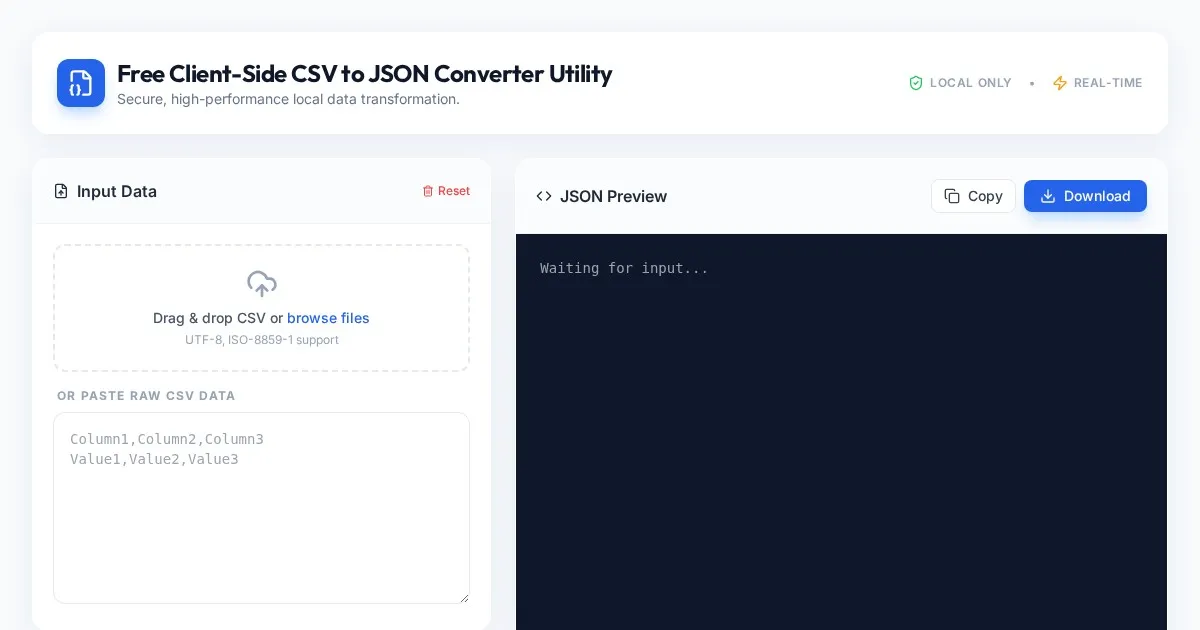
Free Client-Side CSV to JSON Converter Utility
Convert CSV files to formatted JSON arrays securely in your browser. Fast, client-side processing ensures your data never leaves your local device. Free tool.
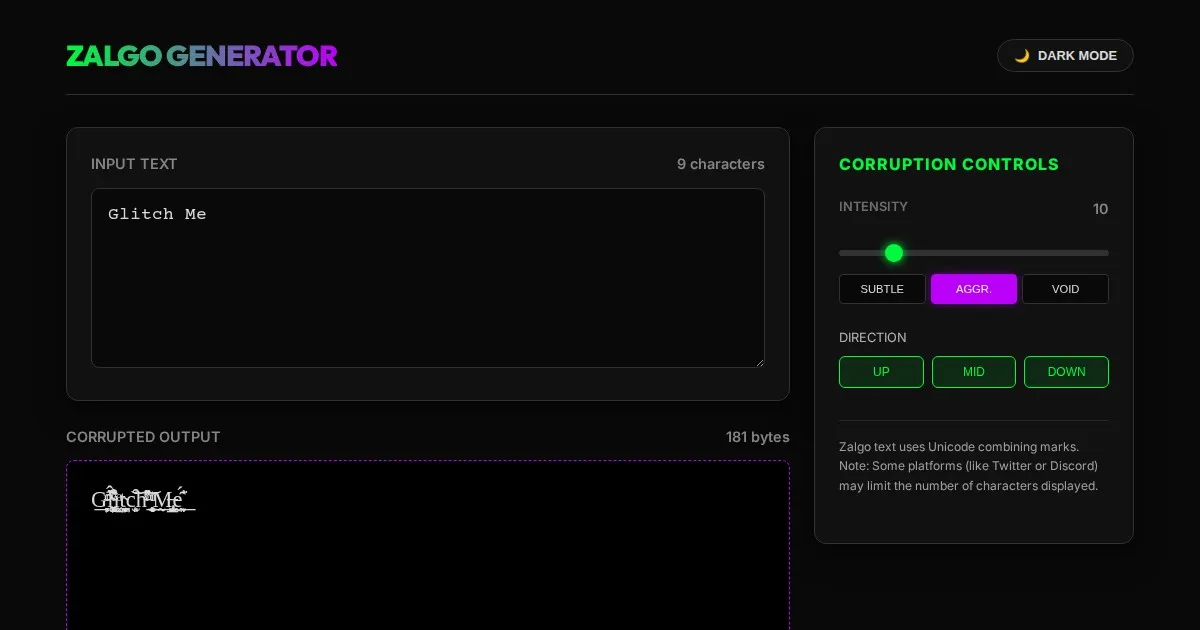
Free Online Glitch Text Generator - Creepy Zalgo Converter
Create distorted, glitchy, and creepy Zalgo text online with our free generator. Customize corruption intensity and copy-paste glitched characters instantly.
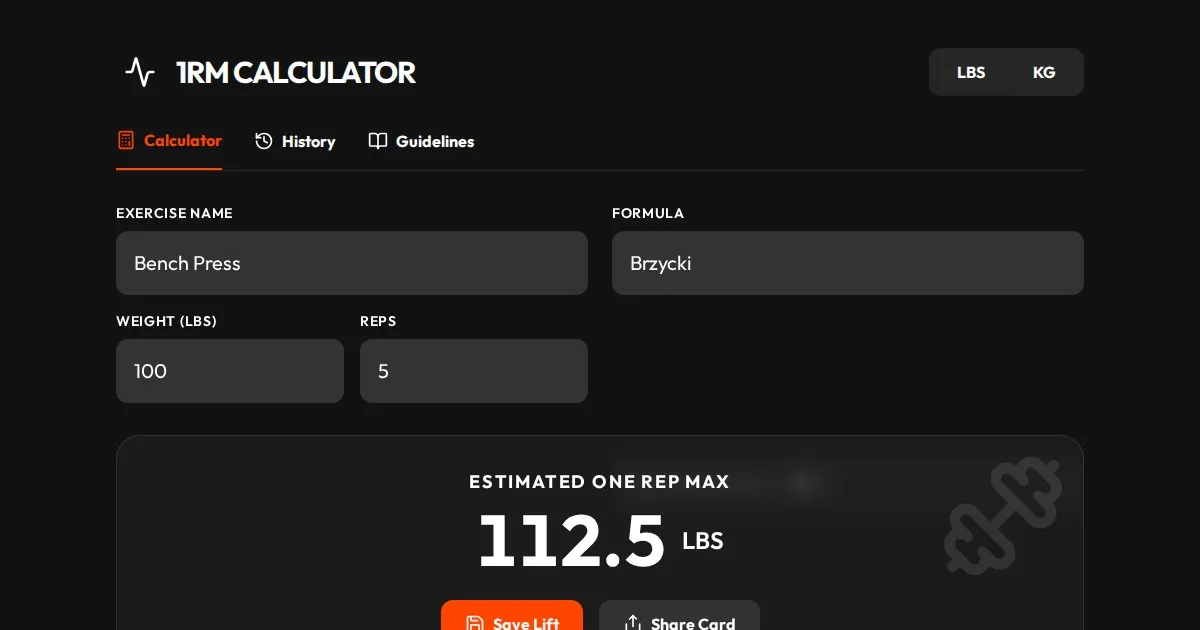
Free One Rep Max Calculator for Strength Training & Lifting
Accurately calculate your One Rep Max (1RM) for squats, bench press, and deadlifts using established formulas like Brzycki, Epley, and Lombardi. Plan your lift.
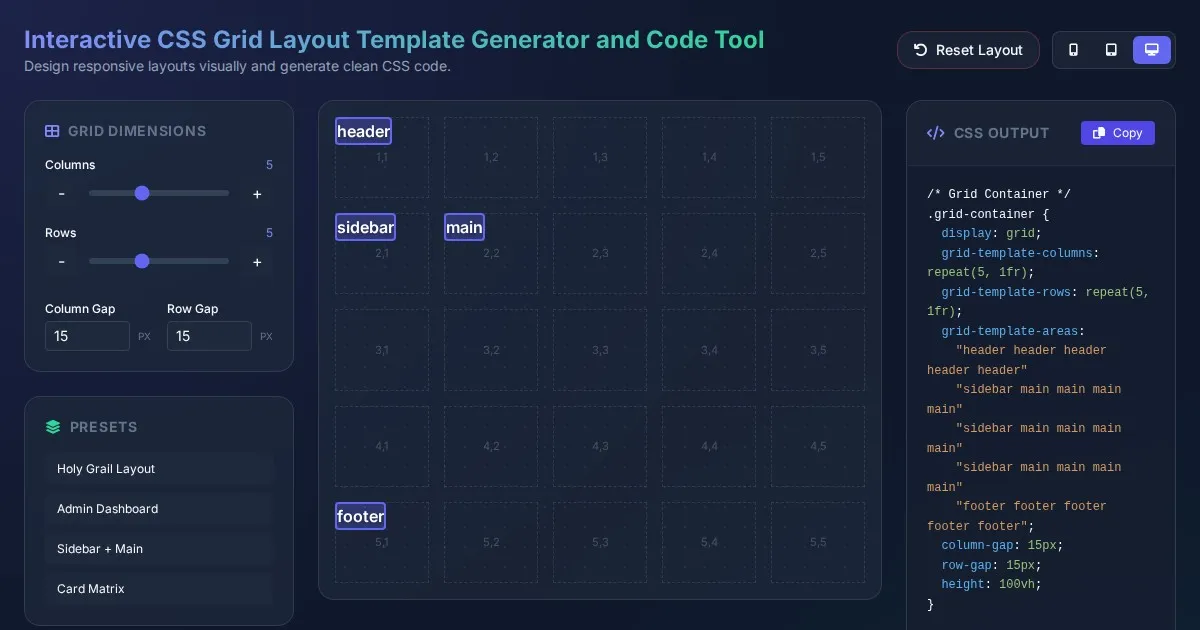
Interactive CSS Grid Layout Template Generator and Code Tool
Create custom website layouts with our visual CSS Grid template builder. Easily generate responsive grid code for web development and export CSS styles.
Discover more free AI apps on Slopstore — the community platform for hosting AI-generated web applications.