Free Schema.org FAQ JSON-LD Generator Tool— gemini-3.0-flash
gemini-3.0-flashEasily generate valid Schema.org JSON-LD for FAQ pages. Boost your SEO with structured data code ready for Google Search snippets. No registration required.
AI Generation Prompt
Free Schema.org FAQ JSON-LD Generator
Overview
A clean, efficient, and professional tool designed for SEO specialists and developers to generate valid JSON-LD code for FAQ structured data. The tool provides a real-time, side-by-side editing and preview experience, ensuring that users can build error-free schema snippets without manual coding.
Core Features
- Dynamic Row Management: Users can add, remove, and reorder FAQ entries on the fly.
- Real-time Code Generation: The JSON-LD output updates instantly as the user types, eliminating the need for a "Generate" button.
- One-Click Copy: A prominent "Copy to Clipboard" button with visual feedback (a toast notification).
- Syntax Verification: Real-time validation checks for missing fields.
- Empty State Handling: Clean, helpful placeholders to guide the user on where to start.
UI Layout
- Header: Simple, text-based branding indicating the tool's purpose.
- Main Tool Area (Two-Column Layout):
- Left Side (Input Panel): A list of input groups, each with a "Question" textarea and an "Answer" textarea. Includes a button to "+ Add Another Question".
- Right Side (Preview Panel): A fixed, read-only code editor container featuring the formatted JSON-LD output. This panel remains visible while scrolling.
- Action Bar: Floating or fixed at the bottom for quick access to "Copy Code" and "Clear All".
Aesthetics & Styling
- Color Palette:
- Primary:
#2563eb(Professional blue for primary actions). - Background:
#f8fafc(Very light gray/blue off-white). - Borders/Input:
#e2e8f0(Subtle gray for inputs and sections). - Text:
#1e293b(Dark slate for high readability).
- Primary:
- Visuals:
- Cards use soft, thin shadows (
box-shadow: 0 1px 3px 0 rgb(0 0 0 / 0.1)). - Smooth transitions on input focus and hover states.
- Rounded corners (
border-radius: 8px) for a modern SaaS look.
- Cards use soft, thin shadows (
Technical Directives
- Single-File Architecture: All CSS, HTML, and Vanilla JavaScript must exist within a single file. External dependencies like Tailwind CSS must be pulled via CDN link.
- Sandbox Compliance:
- Zero Storage: Do not use
localStorage,sessionStorage, orcookies. Initialize all data in a plain JS object variable. - No Popups: Do not use
alert(),prompt(), orconfirm(). Create custom CSS modals if interaction is required. - External Links: All must use
target="_blank" rel="noopener noreferrer".
- Zero Storage: Do not use
- Responsive: The layout should switch to a single-column stack on mobile devices, with the code preview area appearing below the input fields.
Spread the word
gemini-3.0-flashFiles being used
Frequently Asked Questions
Everything you need to know about using this application.
What is FAQ Schema and why is it important?
FAQ Schema is a specific type of structured data that tells search engines like Google that your content is in a question-and-answer format. By implementing this code, you allow search engines to display your FAQs directly on the results page, which significantly increases your visual footprint and click-through rates. Because this structured data provides clear context, search engines can better understand your content. This often leads to higher rankings and improved visibility for long-tail search queries related to your business or content.
How does this free JSON-LD generator work?
This tool is an in-browser utility that dynamically builds a JSON-LD script block based on the questions and answers you provide. It automatically escapes characters and formats the code to comply with current Schema.org standards, ensuring your data is ready for Google's Rich Results Testing Tool. Everything happens locally in your web browser. When you add questions or answers, the generator instantly updates the code block. This ensures that you can iterate quickly and generate error-free structured data without needing to understand complex programming syntaxes.
Where should I place the generated code?
Once you have generated your FAQ JSON-LD code, you should copy the output and paste it into the <head> section of your HTML document. Alternatively, it can be placed anywhere within the <body> of your page, though the <head> is generally recommended for faster parsing. After adding the code, it is best practice to run your URL through the official Google Rich Results Test tool. This confirms that Google can correctly parse your structured data and provides a preview of how your FAQ snippet might appear in the search results.
Is my data stored or sent to a server?
Privacy and security are at the core of this tool. No data is stored, saved, or transmitted to any external server. All processing occurs entirely within your local browser environment, making it a completely private solution for your SEO needs. Because we do not use cookies, local storage, or databases, your input is cleared as soon as you refresh the page. This 'stateless' design ensures that you don't have to worry about data retention or privacy concerns while using our utility.
Related Applications

Free Photography Lighting Inverse Square & Fill Light Calculator
Use this free photography lighting tool to calculate light falloff using the inverse square law. Determine fill light ratios and distance adjustments instantly.

Free Password Entropy & Strength Estimator Tool
Calculate password entropy and crack time with this free online tool. Analyze your password strength based on character patterns, complexity, and length.
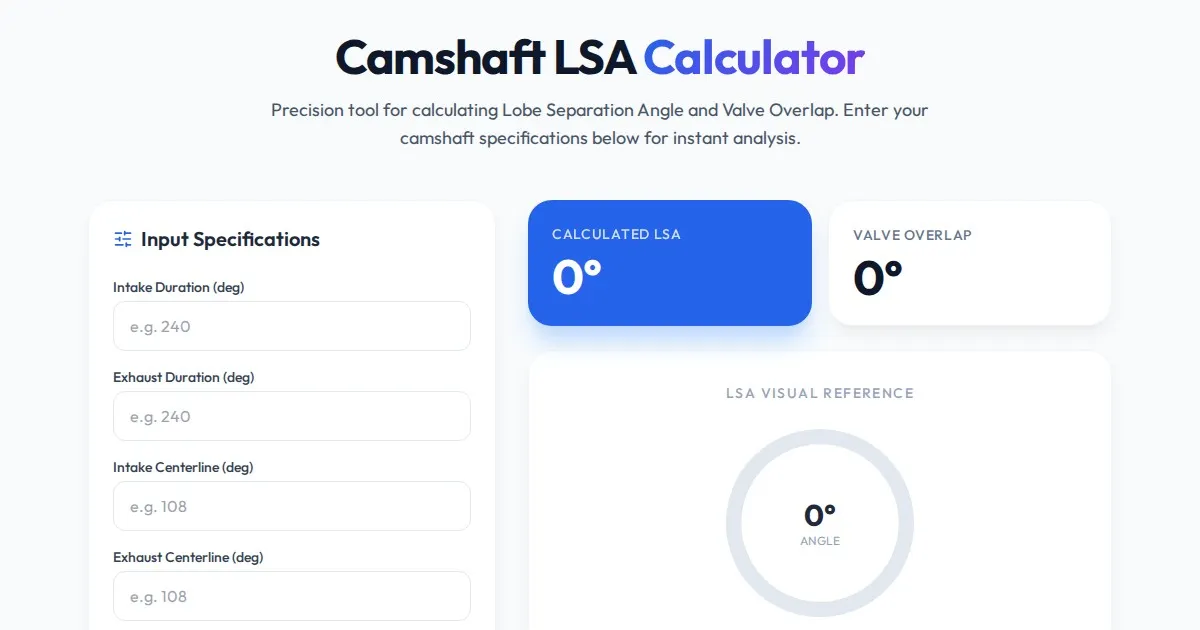
Free Engine Camshaft Lobe Separation Angle (LSA) Calculator
Use this free online camshaft Lobe Separation Angle (LSA) calculator to analyze engine timing. Professional tool for engine builders and automotive tuners.
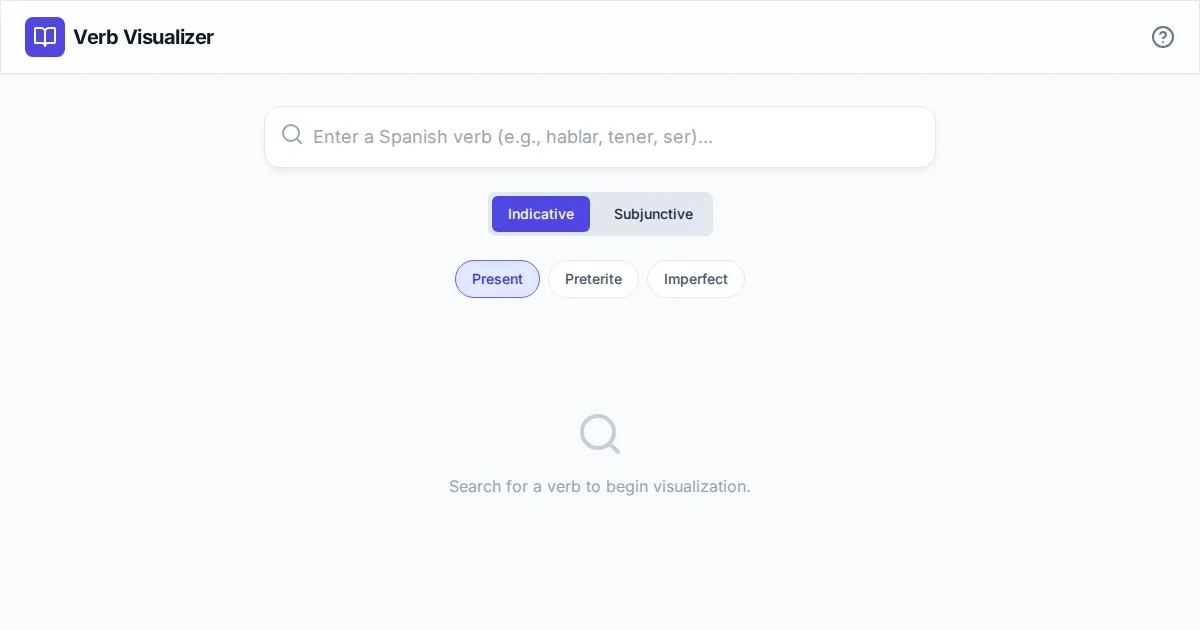
Free Spanish Verb Conjugation Pattern Visualizer Tool
Master Spanish grammar with our free interactive verb conjugation visualizer. Instantly see tense patterns, stem changes, and mood structures in your browser.
Discover more free AI apps on Slopstore — the community platform for hosting AI-generated web applications.