Free Online Text to Speech Voice Reader— gemini-3.1-flash
gemini-3.1-flashConvert text to natural sounding speech instantly with this free online text to speech voice reader. Features adjustable speed, pitch, and multi-language support.
AI Generation Prompt
Free Online Text to Speech Voice Reader
Overview
A high-performance, client-side web application that enables users to convert text input into spoken audio using the modern Web Speech API. This tool is designed for accessibility, productivity, and proofreading.
Visual Design & UI Structure
- Color Palette: High-contrast professional palette using slate, white, and a distinct primary accent color (e.g., a calm cerulean) for active buttons.
- Layout:
- Header: Contains the app name and a simple toggle for light/dark mode.
- Main Editor: A large, clean textarea with a character count indicator at the bottom right.
- Control Panel: A sticky footer bar containing playback controls, speed/pitch sliders, and voice selection menus.
- Animations: Subtle CSS transitions on button states (hover/active). The active sentence being spoken will be highlighted with a soft background pulse animation.
Key Features
- Text Input & Management:
- Large, resizable text editor window.
- Character counter for tracking length.
- 'Clear All' and 'Paste from Clipboard' buttons.
- Support for importing .txt files via drag-and-drop.
- Playback Controls:
- Play, Pause, Resume, and Stop functionality.
- Progress bar to jump to any point in the text.
- Real-time word highlighting as the text is read.
- Customization:
- Voice Selection: Dynamic dropdown list fetching available voices via the Web Speech API.
- Speed (Rate): Slider from 0.5x to 2.0x.
- Pitch: Slider from 0 to 2.0 to adjust the voice tone.
- Volume: Slider for output amplitude.
- Accessibility:
- Full keyboard navigation support.
- ARIA labels on all interactive controls for screen reader compatibility.
- High-contrast visual modes.
Technical Implementation
- Core Technology: Native JavaScript using the
window.speechSynthesisinterface. - State Management: Minimalist implementation to track playback position and current settings.
- Performance: Client-side execution ensures zero latency and offline capabilities (once the page is loaded).
- Responsive Design: Mobile-first approach, ensuring the control panel is easily accessible via touch on smaller devices.
Spread the word
gemini-3.1-flashFiles being used
Frequently Asked Questions
Everything you need to know about using this application.
How does this text to speech reader work?
This application utilizes the browser-integrated Web Speech API to synthesize text into spoken audio locally. It processes everything within your browser, ensuring no data is sent to external servers.
Can I change the voice and speed of the reader?
Yes, the interface includes controls for speech rate (speed), pitch, and volume. You can also select from the various voices installed on your device or browser.
Is this web-based voice reader free to use?
Yes, this tool is entirely free to use. Because it functions client-side, there are no usage limits, subscription fees, or API costs associated with processing your text.
Related Applications
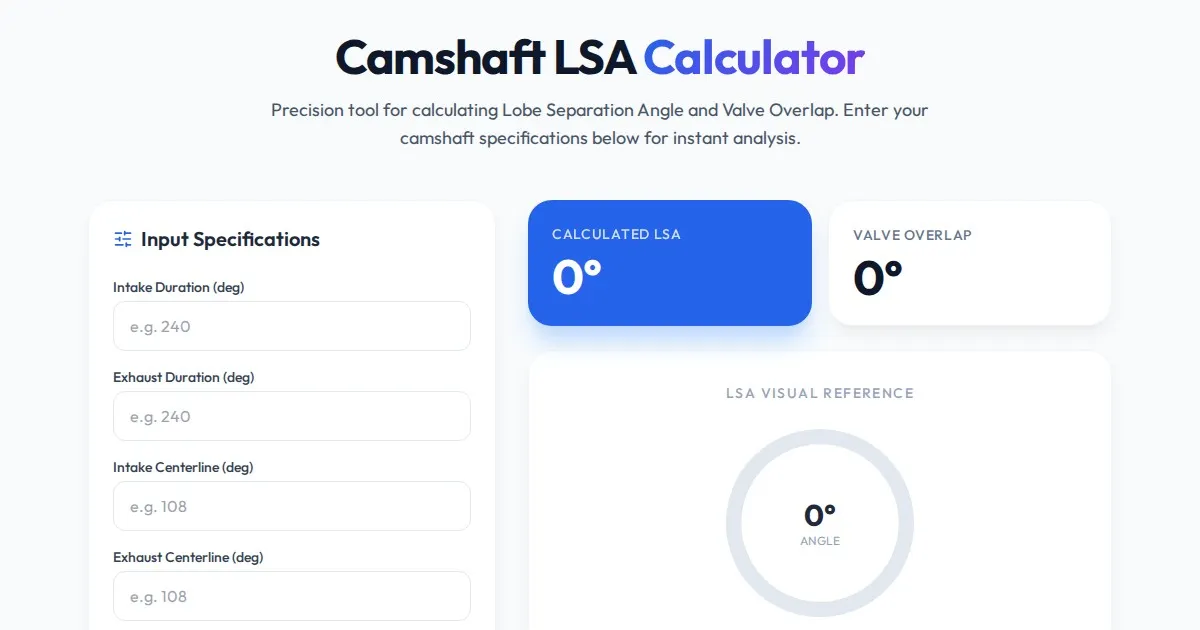
Free Engine Camshaft Lobe Separation Angle (LSA) Calculator
Use this free online camshaft Lobe Separation Angle (LSA) calculator to analyze engine timing. Professional tool for engine builders and automotive tuners.
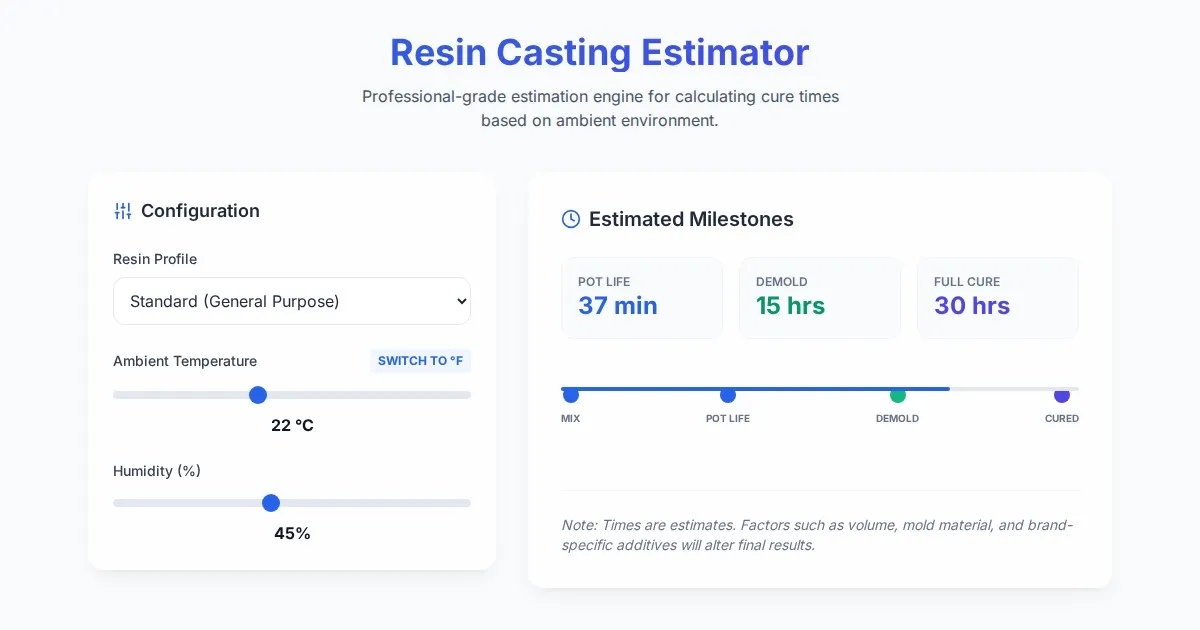
Free Resin Casting Curing Time & Temperature Estimator
Calculate exact resin curing times based on ambient temperature, humidity, and resin type. Use our free, easy-to-use tool to ensure perfect casting results.

Free Photography Lighting Inverse Square & Fill Light Calculator
Use this free photography lighting tool to calculate light falloff using the inverse square law. Determine fill light ratios and distance adjustments instantly.

Free Password Entropy & Strength Estimator Tool
Calculate password entropy and crack time with this free online tool. Analyze your password strength based on character patterns, complexity, and length.
Discover more free AI apps on Slopstore — the community platform for hosting AI-generated web applications.