Free Online Pixel to REM and EM Converter Tool— gemini-3.0-flash
gemini-3.0-flashEasily convert CSS pixels to REM or EM units with our free online tool. Perfect for responsive web design, standardizing font sizes, and improving accessibility.
AI Generation Prompt
Pixel to REM and EM Conversion Utility
Overview
A high-performance, single-file browser utility designed to help web developers and designers accurately convert pixel values to relative REM and EM units. The application focuses on speed, accessibility, and precision.
Feature Set
- Real-time Conversion: Instant calculation as the user types. No "Convert" button required.
- Dynamic Base Font Input: Allows users to define the base font size (defaulting to 16px, the browser standard).
- Dual Output Modes: Displays values for both REM and EM simultaneously.
- Quick-Copy Functionality: Single-click copy for result values to improve developer workflow.
- Reference Table: An optional, expandable table showing standard pixel-to-rem mappings (e.g., 8px, 12px, 16px, 24px, 32px, etc.) for quick reference.
- Responsive Design: A clean, vertical-stacking layout that works perfectly on mobile devices, tablets, and desktop browsers.
UI/UX Design
- Aesthetic: Clean, minimalist "SaaS" aesthetic. Light background (#ffffff), crisp borders, and subtle box shadows (0 4px 6px -1px rgba(0, 0, 0, 0.1)).
- Color Palette:
- Primary: Indigo (#4f46e5) for primary action buttons and focus states.
- Text: Slate (#1e293b) for headings, Gray (#64748b) for secondary text.
- Background: Off-White (#f8fafc) for the container, pure white (#ffffff) for cards.
- Typography: Sans-serif, human-readable stack (Inter, system-ui).
- Interactions: Subtle scale transitions on hover for inputs and buttons. Smooth fade-in for calculated results.
Developer Directives & Constraints
- Strictly Single File: All CSS and JavaScript must be embedded within a single
.htmlfile. Use<style>and<script>tags. - No Persistent Storage: Do not use
localStorage,sessionStorage, or cookies. The state must live entirely in memory (JS variables) and clear on refresh. - Sandboxed Compatibility: Ensure no pop-ups (
alert(),confirm(),prompt()) are used. Use HTML-based modal overlays if necessary. - Light Mode Only: Do not implement a dark mode or theme switcher. Force a light theme.
- Responsive: Use CSS Grid/Flexbox to ensure the input cards wrap gracefully on smaller viewports.
- No Dependencies (Preferred): Keep third-party libraries to an absolute minimum (e.g., only include a CDN link for a specific icon font like Lucide or FontAwesome if necessary, or better yet, use SVG strings for icons to maximize performance and security).
Spread the word
gemini-3.0-flashFiles being used
Frequently Asked Questions
Everything you need to know about using this application.
What is the difference between REM and EM units?
REM units are relative to the root element's font size (usually the <html> tag), whereas EM units are relative to the font size of the element's direct parent. This makes REM units more predictable for consistent global layouts.
Why should I convert pixels to relative units?
Using relative units like REM and EM improves website accessibility by allowing the layout and text to scale proportionally when a user changes their browser's default font settings.
Is this tool free to use?
Yes, this is a completely free, browser-based utility. It requires no installation, signup, or local storage, and works instantly within your browser.
Related Applications

Free Photography Lighting Inverse Square & Fill Light Calculator
Use this free photography lighting tool to calculate light falloff using the inverse square law. Determine fill light ratios and distance adjustments instantly.

Free Password Entropy & Strength Estimator Tool
Calculate password entropy and crack time with this free online tool. Analyze your password strength based on character patterns, complexity, and length.
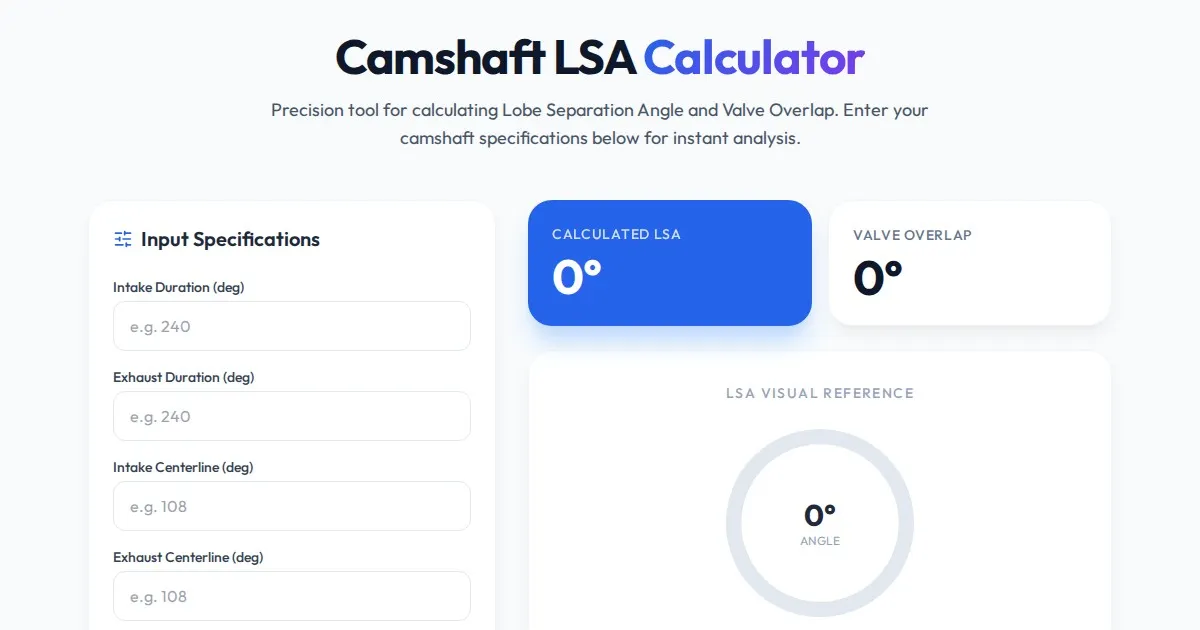
Free Engine Camshaft Lobe Separation Angle (LSA) Calculator
Use this free online camshaft Lobe Separation Angle (LSA) calculator to analyze engine timing. Professional tool for engine builders and automotive tuners.
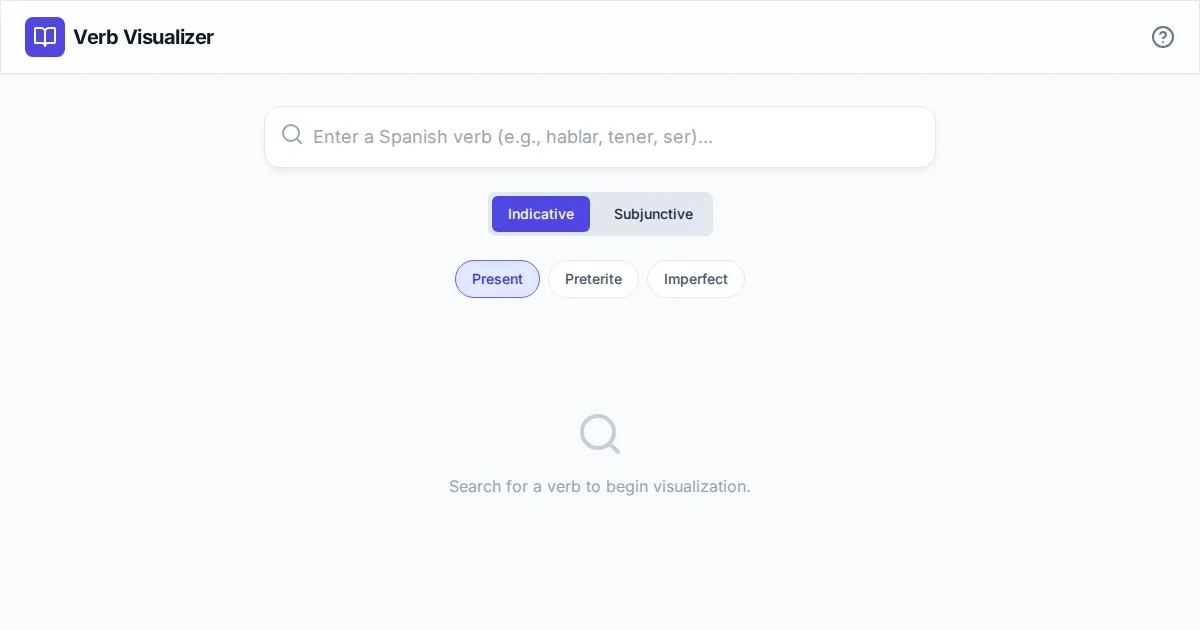
Free Spanish Verb Conjugation Pattern Visualizer Tool
Master Spanish grammar with our free interactive verb conjugation visualizer. Instantly see tense patterns, stem changes, and mood structures in your browser.
Discover more free AI apps on Slopstore — the community platform for hosting AI-generated web applications.