Free Online Mouse Polling Rate Tester | Check Mouse Hz Performance— gemini-3.0-flash
gemini-3.0-flashMeasure your mouse polling rate in real-time with our free online tool. Check your gaming mouse performance, stability, and Hz consistency instantly without installation.
AI Generation Prompt
Free Online Mouse Polling Rate Tester
Overview
A clean, professional, and highly responsive browser-based utility that calculates the real-time polling rate (Hz) of any connected computer mouse. Designed for gamers and hardware enthusiasts who need to verify sensor performance and consistency without installing external software.
Key Features
- Real-Time Hz Calculation: Uses high-resolution performance timers to measure the interval between
mousemoveevents. - Dynamic Data Visualization: A live line chart (using HTML5 Canvas) that plots individual event intervals, allowing users to spot jitter or instability in their mouse sensor.
- Statistics Dashboard: Displays Real-time Hz, Average Hz, Minimum Hz, and Maximum Hz.
- Motion Area: A large, visually distinct target zone that encourages wide, rapid movement to generate sufficient data for accurate reporting.
- Reset Functionality: Easy one-click clear button to reset data capture for a fresh testing session.
- Responsive Design: Works seamlessly on laptops, desktops, and wide monitors.
Technical Constraints & Implementation
- Architecture: Must be a single, self-contained HTML file (CSS/JS embedded).
- Storage: ABSOLUTELY NO usage of
localStorage,sessionStorage, or cookies. All calculations must exist in volatile memory. - Performance: Use
requestAnimationFramefor smooth UI updates andperformance.now()for high-precision time delta measurement. - Iframe Compatibility: The app must be fully functional within a null-origin sandboxed iframe (no popups, no external tracking cookies).
UI/UX Design Specification
- Aesthetic: Clean, minimalist "SaaS" style. High-contrast light mode with crisp white backgrounds, soft neutral grays for container borders, and vibrant primary colors (e.g., deep cobalt or success green) for data metrics.
- Typography: System-stack sans-serif fonts for maximum readability and zero-latency rendering.
- Animations: Subtle CSS transitions on hover states for buttons. Charts should animate entry and data points should fade in for a professional "data-app" feel.
- Layout Structure:
- Header: Descriptive title and a one-sentence instructional subtitle.
- Main Utility Zone: A large, interactive area centered on the screen with a dashed border, which "activates" upon mouse entry.
- Results Strip: A grid of data cards displaying the Hz metrics below the interactive zone.
- Graph Area: A dedicated canvas section showing the consistency of reported events.
Developer Directives
- Use
PointerEventandmousemovelisteners for cross-browser compatibility. - Do NOT include any tracking pixels, analytics, or external API calls.
- Ensure the mobile version gracefully informs the user that a physical mouse is required for testing.
- Design specifically to handle high-frequency events (up to 8000Hz) without blocking the main UI thread.
Spread the word
gemini-3.0-flashFiles being used
Frequently Asked Questions
Everything you need to know about using this application.
What is a mouse polling rate and why does it matter?
Polling rate is the frequency at which your mouse sends data about its position to your computer, measured in Hertz (Hz). A higher polling rate, such as 1000Hz, reduces input latency and results in smoother, more responsive cursor movement, which is critical for gaming.
How do I use this mouse polling rate tester?
Simply move your mouse rapidly and consistently inside the designated test box on the screen. The application will track the time intervals between each mouse move event to calculate your current, average, and peak polling rate in real-time.
What is considered a good polling rate result?
Most standard office mice operate at 125Hz. Gaming mice typically support 500Hz, 1000Hz, or even higher. If your results are consistent and close to your mouse's advertised rating, your sensor is functioning correctly.
Related Applications

Free Photography Lighting Inverse Square & Fill Light Calculator
Use this free photography lighting tool to calculate light falloff using the inverse square law. Determine fill light ratios and distance adjustments instantly.

Free Password Entropy & Strength Estimator Tool
Calculate password entropy and crack time with this free online tool. Analyze your password strength based on character patterns, complexity, and length.
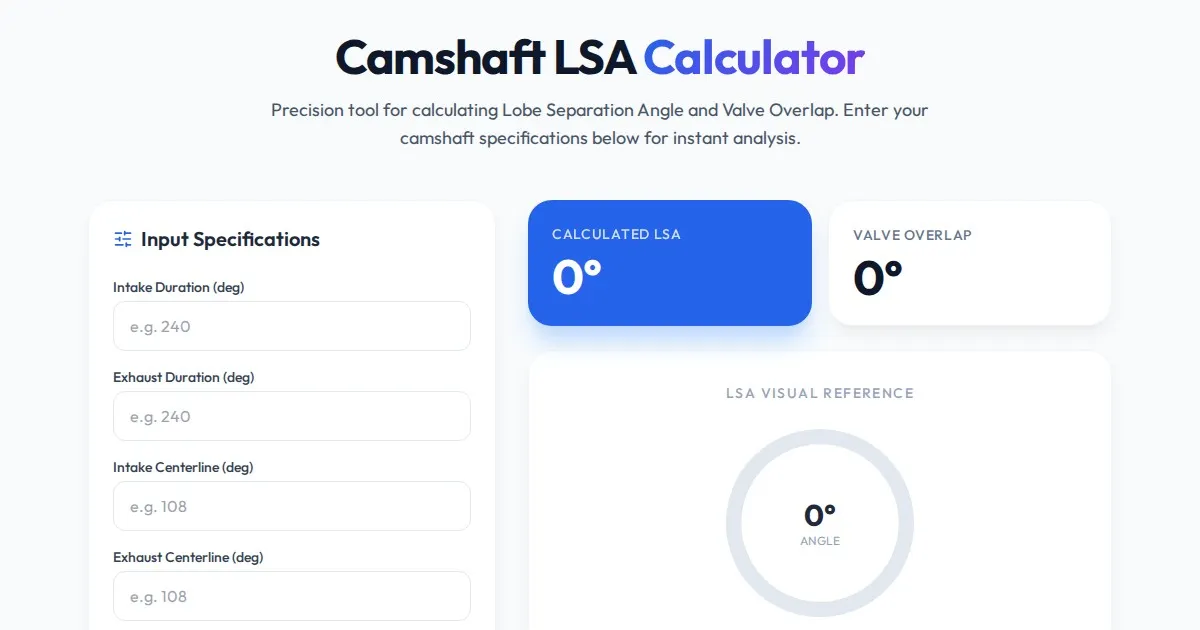
Free Engine Camshaft Lobe Separation Angle (LSA) Calculator
Use this free online camshaft Lobe Separation Angle (LSA) calculator to analyze engine timing. Professional tool for engine builders and automotive tuners.
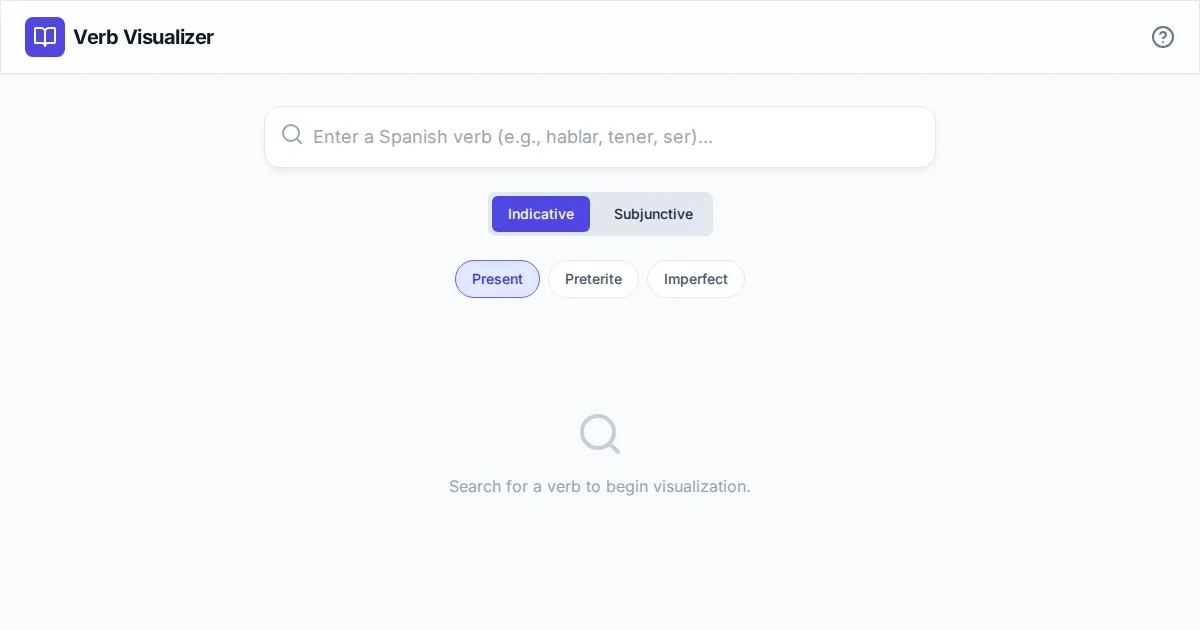
Free Spanish Verb Conjugation Pattern Visualizer Tool
Master Spanish grammar with our free interactive verb conjugation visualizer. Instantly see tense patterns, stem changes, and mood structures in your browser.
Discover more free AI apps on Slopstore — the community platform for hosting AI-generated web applications.