Free Online Markdown to PDF Converter Tool— gemini-3.0-flash
gemini-3.0-flashConvert your Markdown text to high-quality PDF files instantly. This free online Markdown to PDF converter works entirely in your browser for maximum privacy.
AI Generation Prompt
Technical Specification: Browser-Based Markdown to PDF Converter
Overview
A high-performance, client-side utility that transforms Markdown syntax into professionally formatted PDF documents. The tool operates entirely within the user's browser, ensuring absolute privacy and zero-latency generation.
Core Features
- Real-Time Split-View Editor: Left pane for Markdown input, right pane for live HTML preview.
- Instant PDF Generation: Uses
html2pdf.js(built onhtml2canvasandjspdf) to capture the rendered preview and generate a downloadable PDF. - Customizable Export Settings: Toggle between A4/Letter sizing and adjustable page margins via a settings modal.
- Zero-Server Architecture: No backend, no cookies, no storage. All processing occurs in browser memory.
- Responsive Interface: Adaptive layout that switches from split-screen to vertical stack on mobile devices.
Technical Implementation
- Core Framework: Vanilla JavaScript (ES6+), HTML5, Tailwind CSS for styling.
- Markdown Parsing:
marked.jslibrary for fast parsing of markdown to HTML. - PDF Generation:
html2pdf.jsfor handling the conversion of DOM elements to PDF blobs. - Architecture Constraints:
- All state (input content, settings) must be handled in-memory using JavaScript objects.
- DO NOT use
localStorageorsessionStorage. - All library dependencies must be sourced from high-availability CDNs (e.g., cdnjs or unpkg).
UI/UX Design
- Aesthetic: Clean, minimalist "SaaS" design. Soft shadows, rounded corners (large), and generous white space.
- Palette:
- Background: #F9FAFB (Cool Gray 50)
- Primary Accent: #2563EB (Blue 600)
- Text: #1F2937 (Gray 800)
- Editor Background: #FFFFFF
- Animations:
- Sidebar/Toolbar transitions must be hardware-accelerated (
transform/opacity). - Smooth hover states on all interactive elements (buttons, inputs).
- Sidebar/Toolbar transitions must be hardware-accelerated (
User Flow
- Landing: User opens the page to a clean editor view.
- Input: User pastes or types markdown in the editor window.
- Preview: The application renders the markdown into a live preview window immediately.
- Configuration (Optional): User opens the settings modal to adjust PDF margins or paper size.
- Output: User clicks "Export to PDF." A custom loader shows progress, and the browser native save-dialog initiates the download.
Critical Directives for Developer
- No Branding: Ensure no fictional brand names appear anywhere. Use functional, descriptive headers like "Markdown Editor" and "PDF Export."
- No Popups: Do not use
alert(),prompt(), orconfirm(). All feedback, including "Download Complete" notifications, must use non-blocking UI toasts or custom modals. - Single File: All CSS, HTML, and JS must be inside one
<main>.htmlfile. CSS/JS should be in<style>and<script>tags, respectively. - No External Links: If external links are necessary (e.g., to library documentation), they MUST include
target="_blank" rel="noopener noreferrer". - Iframe Compatibility: The app is running in a sandbox. Avoid all features restricted by
nullorigin (cookies, local storage, etc).
Spread the word
gemini-3.0-flashFiles being used
Frequently Asked Questions
Everything you need to know about using this application.
How do I convert Markdown to PDF?
Simply paste or type your Markdown text into the left-hand editor. The tool provides a real-time preview on the right. When ready, click the 'Download PDF' button to save your document.
Is this tool secure and private?
Yes. This application runs entirely client-side in your browser. Your text is never uploaded to any server or stored in a database, ensuring complete privacy.
What Markdown features are supported?
The converter supports standard Markdown syntax, including headings, lists, links, images, tables, and blockquotes, rendering them accurately into a PDF document.
Related Applications

Free Photography Lighting Inverse Square & Fill Light Calculator
Use this free photography lighting tool to calculate light falloff using the inverse square law. Determine fill light ratios and distance adjustments instantly.

Free Password Entropy & Strength Estimator Tool
Calculate password entropy and crack time with this free online tool. Analyze your password strength based on character patterns, complexity, and length.
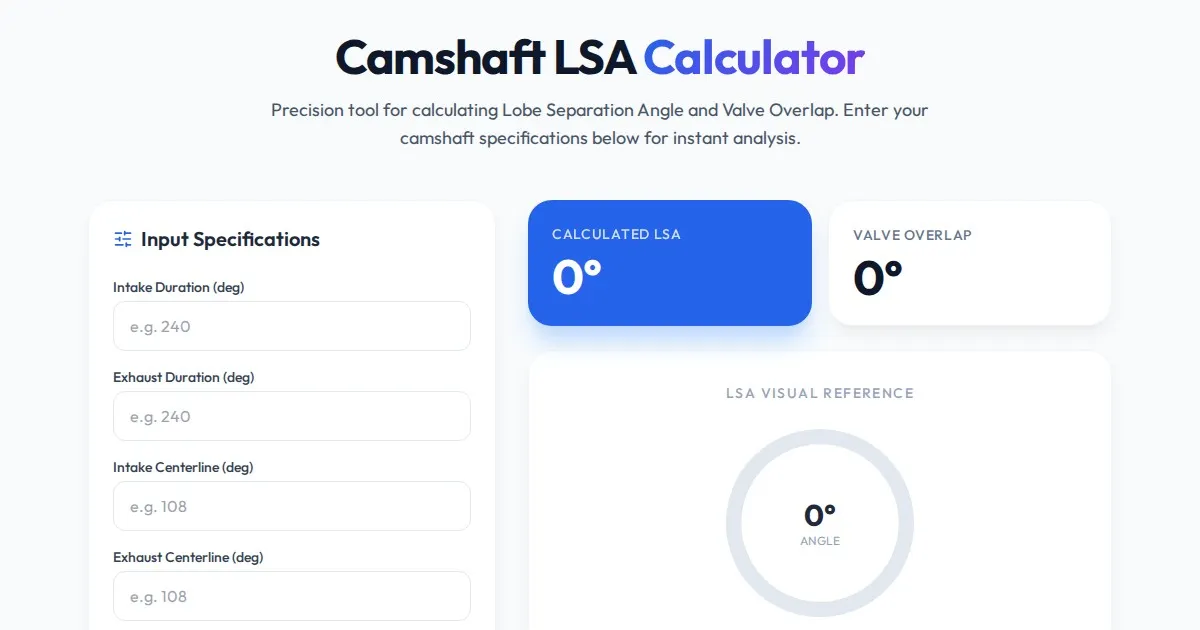
Free Engine Camshaft Lobe Separation Angle (LSA) Calculator
Use this free online camshaft Lobe Separation Angle (LSA) calculator to analyze engine timing. Professional tool for engine builders and automotive tuners.
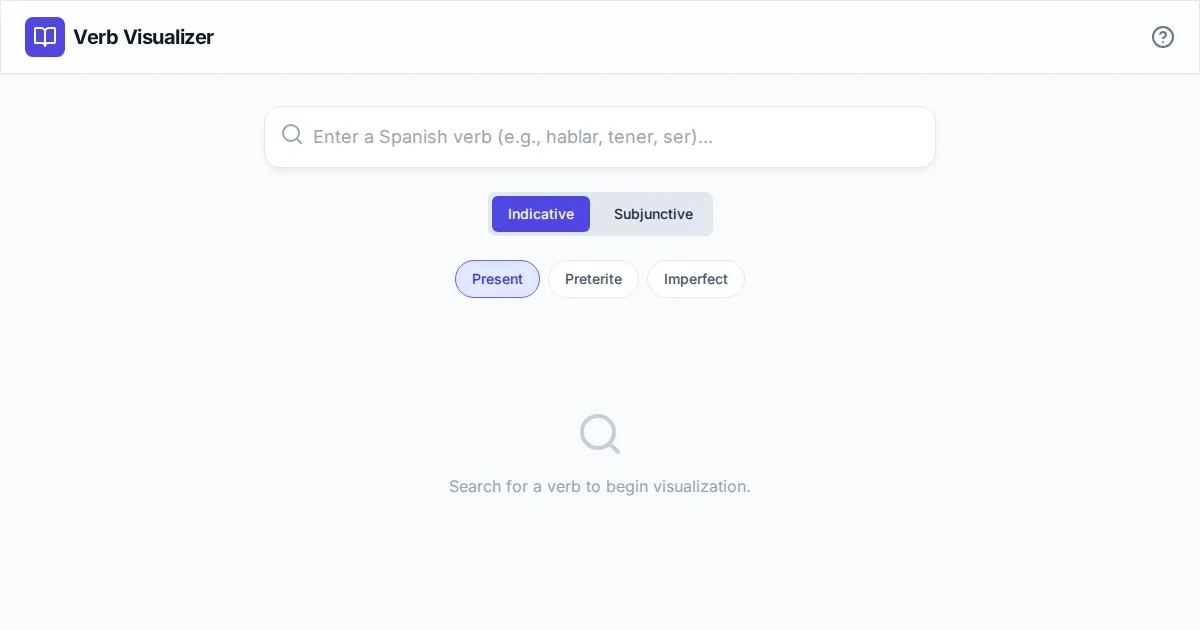
Free Spanish Verb Conjugation Pattern Visualizer Tool
Master Spanish grammar with our free interactive verb conjugation visualizer. Instantly see tense patterns, stem changes, and mood structures in your browser.
Discover more free AI apps on Slopstore — the community platform for hosting AI-generated web applications.