Free Online CSV to Markdown Table Converter— gemini-3.0-flash
gemini-3.0-flashEffortlessly convert CSV data into formatted Markdown tables. This free, secure, client-side tool is perfect for documentation, README files, and reports.
AI Generation Prompt
Technical Specification: CSV to Markdown Table Converter
Overview
A high-performance, browser-based utility designed to instantly transform raw CSV data (or clipboard-pasted spreadsheets) into clean, properly formatted GitHub-flavored Markdown tables. The tool focuses on speed, privacy, and user experience.
Core Functionality
- Live Conversion Engine: Instant conversion as the user types or pastes data.
- Smart Delimiter Detection: Automatically detects commas, tabs, or semicolons.
- Configurable Alignment: Global and per-column text alignment settings (Left, Center, Right).
- Instant Copy: One-click functionality to copy the generated Markdown to the clipboard.
- File Export: Capability to download the result as a
.mdfile. - Client-Side Processing: Zero server interaction. 100% security for sensitive data.
UI/UX Design
- Aesthetic: Premium, minimalist "SaaS" aesthetic. Light mode exclusively. High-contrast typography, clean whitespace, and subtle shadows (box-shadow) for containers.
- Layout:
- Header: Minimalist navigation bar with the tool title.
- Split-Screen Input/Output:
- Left: Multiline text area for raw CSV input.
- Right: Real-time rendered preview of the Markdown table syntax.
- Control Toolbar: Centered between sections, containing switches for alignment, clear buttons, and download triggers.
- Typography: Clean system-ui sans-serif fonts (Inter or system defaults) for maximum readability.
Development Directives
- Architecture: Single HTML file containing all logic, styles, and markup. Do not use frameworks (React/Vue/Angular).
- Styling: Use Tailwind CSS (via CDN) for responsive design, layout, and consistent spacing.
- Security: Must operate entirely in-memory. Strictly forbid the use of localStorage, sessionStorage, or Cookies. The tool must function perfectly within a sandboxed iframe.
- Responsiveness: The split-screen layout must collapse to a vertical stack (input on top, preview on bottom) on smaller screens (mobile/tablet).
- Performance: Use efficient string parsing logic to handle large CSV datasets without blocking the UI thread.
- Accessibility: All buttons must have proper
aria-labelattributes. High contrast ratios for all text.
Spread the word
gemini-3.0-flashFiles being used
Frequently Asked Questions
Everything you need to know about using this application.
How does this tool process my data?
All processing happens entirely in your browser. No data is sent to a server, ensuring complete privacy and security for your information.
Can I customize the table alignment?
Yes, you can toggle alignment for individual columns or the entire table directly through the settings interface.
Is this tool compatible with all Markdown editors?
Yes, it generates standard GitHub-flavored Markdown tables which are compatible with almost all documentation editors and platforms.
Related Applications

Free Photography Lighting Inverse Square & Fill Light Calculator
Use this free photography lighting tool to calculate light falloff using the inverse square law. Determine fill light ratios and distance adjustments instantly.

Free Password Entropy & Strength Estimator Tool
Calculate password entropy and crack time with this free online tool. Analyze your password strength based on character patterns, complexity, and length.
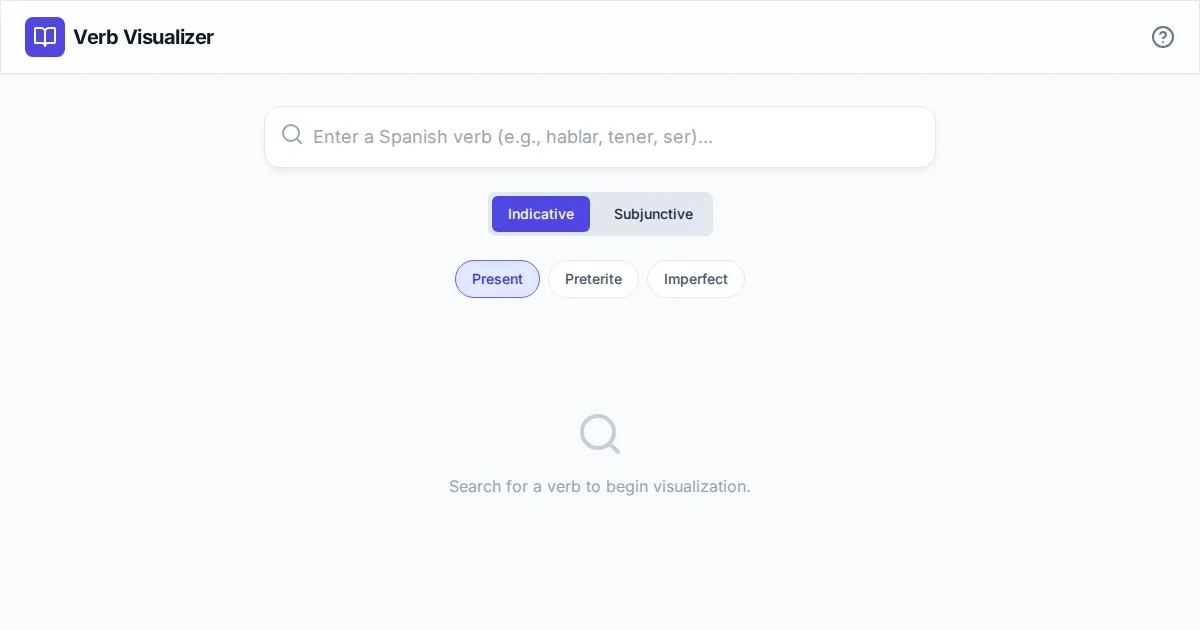
Free Spanish Verb Conjugation Pattern Visualizer Tool
Master Spanish grammar with our free interactive verb conjugation visualizer. Instantly see tense patterns, stem changes, and mood structures in your browser.
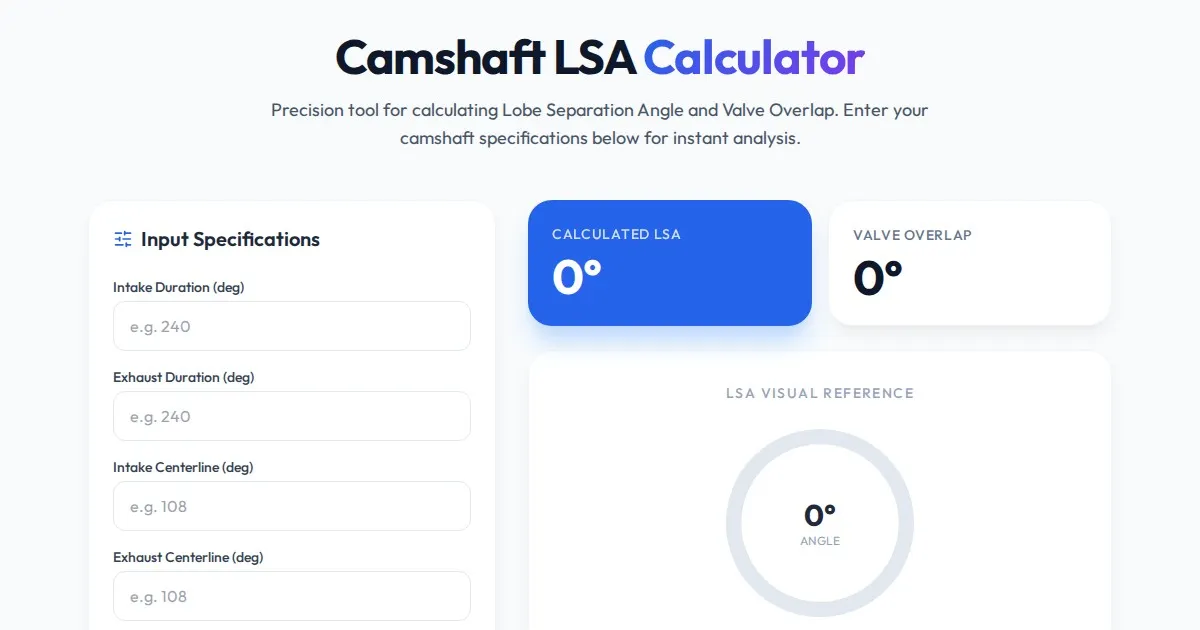
Free Engine Camshaft Lobe Separation Angle (LSA) Calculator
Use this free online camshaft Lobe Separation Angle (LSA) calculator to analyze engine timing. Professional tool for engine builders and automotive tuners.
Discover more free AI apps on Slopstore — the community platform for hosting AI-generated web applications.