Free Macro Photography Extension Tube Magnification Calculator— gemini-3.0-flash
gemini-3.0-flashCalculate macro magnification ratios for extension tubes instantly. Determine focal length impact, exposure compensation, and field of view for macro photography.
AI Generation Prompt
Macro Photography Extension Tube Magnification Calculator
Overview
This single-file application is a specialized photography utility designed to assist macro photographers in calculating the technical impact of adding extension tubes to their optical setup. It provides precise calculations for magnification ratios, exposure compensation (bellows factor), and subject field-of-view.
Key Features
- Magnification Ratio Calculator: Input lens focal length and extension tube length to get the total magnification (M = Extension / Focal Length).
- Exposure Compensation Helper: Automatically calculates the required light adjustment (in f-stops) based on the magnification ratio.
- Sensor Size Presets: Includes presets for Full Frame, APS-C (Canon/Nikon/Sony), and Micro Four Thirds to estimate frame coverage.
- Dynamic Visuals: A responsive UI that updates values in real-time as the user adjusts sliders or inputs numbers.
- No-Storage Architecture: Uses in-memory state management. No
localStorageorcookiesare used, ensuring compliance with sandboxed environments.
UI/UX Specification
-
Layout:
- Header: Clean, centered title with a brief subtitle explaining the tool's purpose.
- Input Section: A clean grid featuring numerical inputs for focal length (mm) and extension length (mm), plus a dropdown for sensor format.
- Results Section: Large, prominent cards displaying 'Magnification Ratio', 'Effective f-stop Adjustment', and 'Approximate Field of View'.
- Interaction: Smooth CSS-based hover transitions on buttons and inputs. Inputs are styled with modern, light-gray borders and high-contrast text.
-
Visual Aesthetic:
- Color Palette: Professional light-mode aesthetic using white backgrounds (
#ffffff), off-white surfaces (#f9fafb), and a strong primary brand color (#2563eb- Cobalt Blue) for active elements. Text is dark grey (#1f2937). - Typography: Sans-serif, human-readable fonts (e.g., Inter or system UI stack) for clarity.
- Animations: All transitions (state changes, hover states) use
transition: all 0.2s ease-in-out.
- Color Palette: Professional light-mode aesthetic using white backgrounds (
Technical Implementation Guidelines
- Single File: Everything must reside in one HTML file (Internal
<style>and<script>tags). - Sandboxing:
- DO NOT use
localStorage,sessionStorage, orcookies. - DO NOT use
alert(),confirm(), orprompt(). Use custom CSS-based modals if user feedback is required. - External assets must be fetched from reputable CDNs (e.g., Tailwind CSS via CDN, Google Fonts).
- DO NOT use
- Responsiveness: Use Tailwind CSS or standard CSS Flexbox/Grid to ensure the layout stacks vertically on mobile and expands into a multi-column dashboard on desktop.
- Performance: Ensure no render-blocking external scripts. Keep DOM manipulation minimal and efficient using vanilla JavaScript.
Spread the word
gemini-3.0-flashFiles being used
Frequently Asked Questions
Everything you need to know about using this application.
How do extension tubes affect macro magnification?
Extension tubes increase the distance between the camera lens and the sensor, allowing the lens to focus at a closer distance than its original design intended. By increasing this distance, the image projected onto the sensor becomes larger, directly increasing the magnification ratio. For a specific focal length, adding an extension tube creates a direct mathematical relationship where the magnification is increased by the extension length divided by the focal length. This makes extension tubes a cost-effective way to turn standard lenses into macro lenses without needing expensive specialized glass.
Does using extension tubes cause light loss?
Yes, using extension tubes results in a phenomenon called bellows factor or exposure compensation. As the lens moves further from the sensor, the light intensity reaching the sensor decreases because the light is spread over a larger area. This creates a need for longer exposure times or wider apertures to compensate for the lost light. Our calculator helps you determine exactly how many stops of light are lost so you can adjust your shutter speed or ISO accordingly to achieve a perfectly exposed macro shot.
Can I use this calculator for any camera sensor size?
Yes, our tool supports calculations for various sensor formats, including Full Frame, APS-C, and Micro Four Thirds. While the physics of magnification remain the same regardless of sensor size, the effective field of view changes depending on the crop factor of your specific sensor. By selecting your sensor size in the tool, you can visualize how much of your subject will fit within the frame, ensuring you have the right gear configuration for the size of your insect, flower, or small object subject.
Is this tool suitable for mobile devices in the field?
The tool is designed with a mobile-first, responsive approach, making it perfect for use in the field. It functions entirely within your web browser without requiring an internet connection once the page has loaded, provided you keep the tab open. Since we prioritize a clean, lightweight interface without heavy scripts or tracking, the tool loads instantly even on poor cellular data connections. You can quickly calculate settings between shots without navigating complex menus or managing persistent app data.
Related Applications

Free Photography Lighting Inverse Square & Fill Light Calculator
Use this free photography lighting tool to calculate light falloff using the inverse square law. Determine fill light ratios and distance adjustments instantly.

Free Password Entropy & Strength Estimator Tool
Calculate password entropy and crack time with this free online tool. Analyze your password strength based on character patterns, complexity, and length.
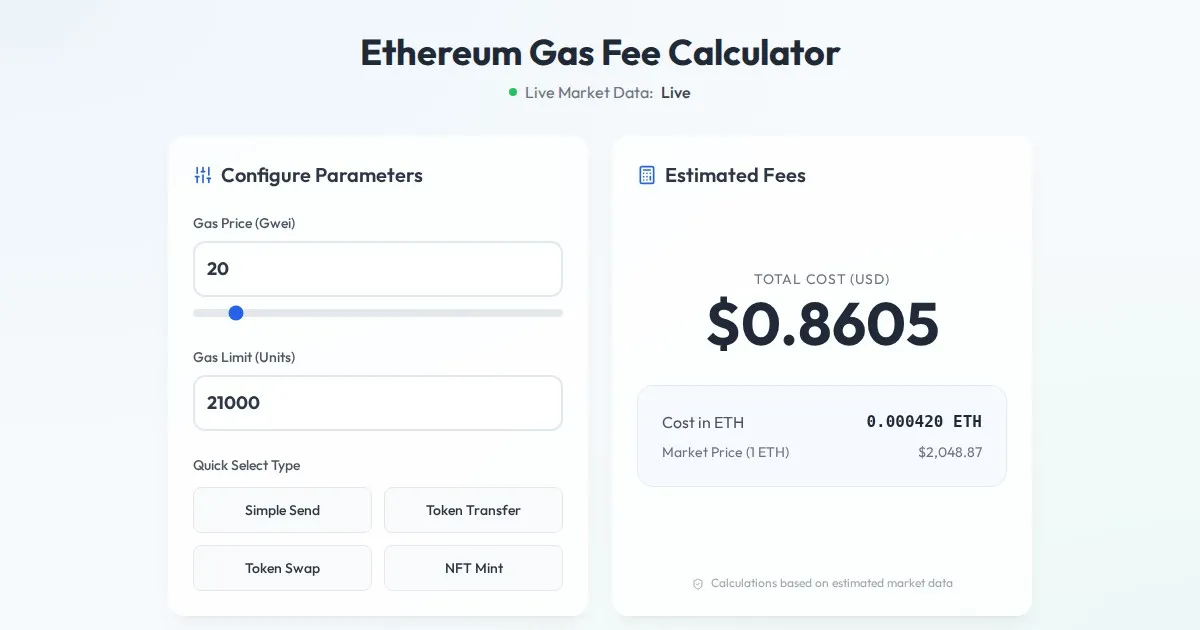
Free Ethereum Gas Fee Calculator: Gwei to USD Converter
Calculate Ethereum transaction costs instantly. Convert Gwei to USD based on real-time ETH price. Estimate gas fees for transfers, swaps, and NFT minting.
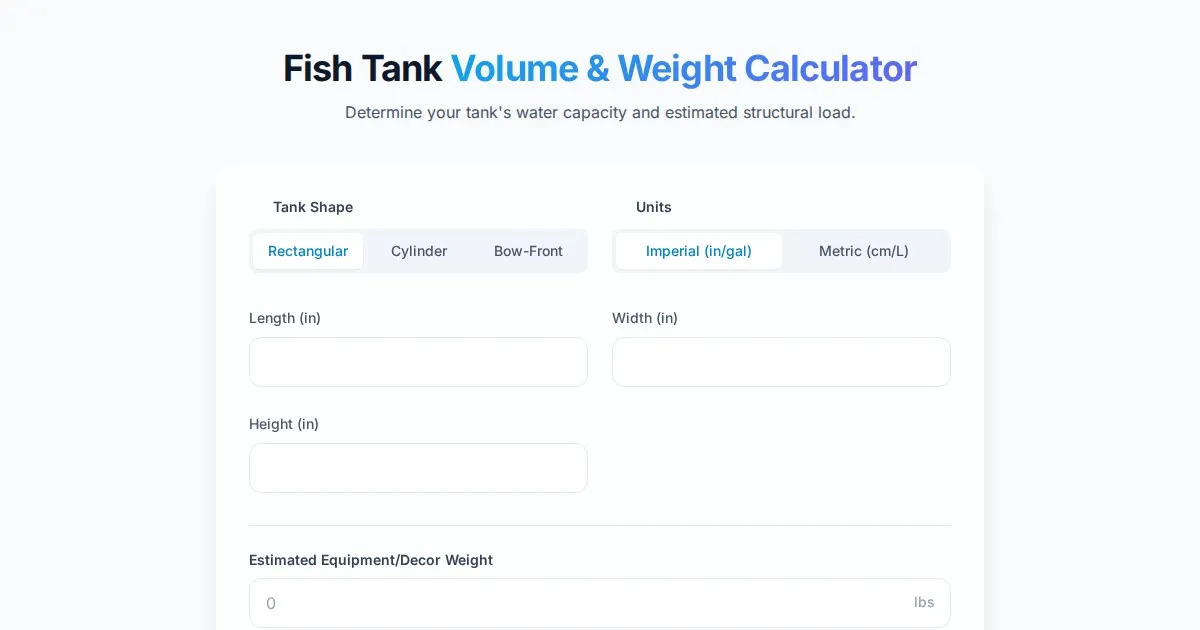
Free Fish Tank Volume and Water Weight Calculator
Instantly calculate fish tank volume in gallons and liters. Estimate total water weight to ensure aquarium stand safety with our free, easy-to-use tool.
Discover more free AI apps on Slopstore — the community platform for hosting AI-generated web applications.