Free Audio File Size & Bitrate Calculator— gemini-3.0-flash
gemini-3.0-flashEstimate audio file sizes for WAV, MP3, and AAC formats. Calculate storage requirements based on duration, sample rate, and bitrate in this free tool.
AI Generation Prompt
Audio File Size & Bitrate Estimator Technical Specification
Overview
A clean, efficient, and responsive browser-based utility that calculates the approximate file size of digital audio based on format, duration, and encoding settings. This tool helps users compare the storage requirements of uncompressed formats (WAV) versus lossy compressed formats (MP3, AAC).
Core Features
- Live Estimation Engine: Immediate recalculation of file size as the user adjusts any input field.
- Format Selector: Dropdown to select WAV, MP3, AAC, or OGG.
- Parametric Inputs:
- Duration (Minutes/Seconds)
- Sample Rate (e.g., 44.1kHz, 48kHz)
- Bit Depth (For WAV)
- Bitrate (For MP3/AAC/OGG: 64kbps to 320kbps)
- Channels (Mono/Stereo)
- Comparison View: A side-by-side display showing the calculated size versus a hypothetical alternative format.
- Unit Converter: Dynamic switching between KB, MB, and GB.
UI/UX Design
- Aesthetic: Modern, light-mode interface using a clean palette of #FFFFFF, #F8FAFC, and #334155.
- Layout:
- Header: Simple title and one-sentence sub-description.
- Input Panel: A grid layout for controls, featuring clear labels, custom dropdowns, and range sliders for bitrate.
- Result Display: A high-impact "Result Card" with a large, readable font (e.g., 2.5rem size) displaying the final file size.
- Responsiveness: The tool uses CSS Flexbox/Grid to stack elements on mobile, ensuring inputs are touch-friendly (48px+ height targets).
- Animations: Subtle entry transitions for the result card using opacity and vertical slide-up (CSS
transition: all 0.3s ease-in-out).
Color Palette
- Background: #F1F5F9 (Soft Gray)
- Card Background: #FFFFFF (White) with a soft shadow:
0 4px 6px -1px rgba(0, 0, 0, 0.1) - Primary Accent: #2563EB (Vibrant Blue)
- Text Primary: #1E293B (Dark Slate)
- Text Secondary: #64748B (Gray)
Developer Directives
- Architecture: Single HTML file containing all logic, CSS, and structural HTML.
- State Management: Use Vanilla JS to store state in a simple object (
let state = { ... }). Do not uselocalStorage. - Security: The app must handle potential division-by-zero or invalid inputs gracefully (display "--" instead of
NaNorInfinity). - External Assets: Use Google Fonts (e.g., 'Inter') via
<link>tag and Tailwind CSS via CDN for rapid styling. - Interactivity: Use event listeners (
input,change) on all inputs to trigger theupdateCalculations()function instantly. - Constraint Compliance: Ensure no cookies, no dark mode, and strictly local, in-memory execution.
Spread the word
gemini-3.0-flashFiles being used
Frequently Asked Questions
Everything you need to know about using this application.
How does the file size calculator determine the estimated size for audio files?
The calculator uses standard mathematical formulas based on the parameters you provide. For uncompressed formats like WAV, it calculates size by multiplying the sample rate, bit depth, number of channels, and the total duration, then dividing by 8 to convert bits to bytes. For compressed formats like MP3 or AAC, the calculation is significantly simpler, primarily relying on the selected constant bitrate (CBR) and the total time. The tool calculates how many bits per second are generated and multiplies that by the duration to provide an accurate estimate of the final file size.
Why is there such a massive difference in file size between WAV and MP3?
The difference stems from compression methods. WAV files are uncompressed and contain raw audio data, preserving the complete original recording quality, which results in very large file sizes. This is ideal for professional mastering and archival purposes where quality is paramount. MP3 files use lossy compression to discard audio frequencies that the human ear is less likely to perceive. This drastically reduces the file size while maintaining a subjectively high-quality listening experience. By lowering the bitrate in an MP3, you further discard information, which results in an even smaller file size, albeit with a noticeable reduction in sound fidelity.
Can I use this tool to calculate storage space for a podcast or a long recording?
Yes, this tool is excellent for planning storage requirements for podcasts, audiobooks, or long-form recordings. Simply input the total duration of your project in minutes and seconds, choose your preferred format and bitrate, and the tool will output the approximate total file size in megabytes (MB) or gigabytes (GB). This helps content creators anticipate how much server space or cloud storage they will need before they even begin recording or uploading. By experimenting with different bitrates, you can find the optimal balance between high-quality sound and efficient file storage that fits within your hosting constraints.
Does this calculator save my data or track my usage?
This is a strictly client-side, browser-based tool. It does not store, track, or transmit any of your input data to a server. Because this application is built for privacy and security, all calculations occur locally within your web browser's memory. We do not use cookies, local storage, or databases to save your settings. Every time you refresh the page, the tool resets to its default state. This ensures that your work remains completely confidential and that no personally identifiable information or usage patterns are collected.
Related Applications

Free Photography Lighting Inverse Square & Fill Light Calculator
Use this free photography lighting tool to calculate light falloff using the inverse square law. Determine fill light ratios and distance adjustments instantly.

Free Password Entropy & Strength Estimator Tool
Calculate password entropy and crack time with this free online tool. Analyze your password strength based on character patterns, complexity, and length.
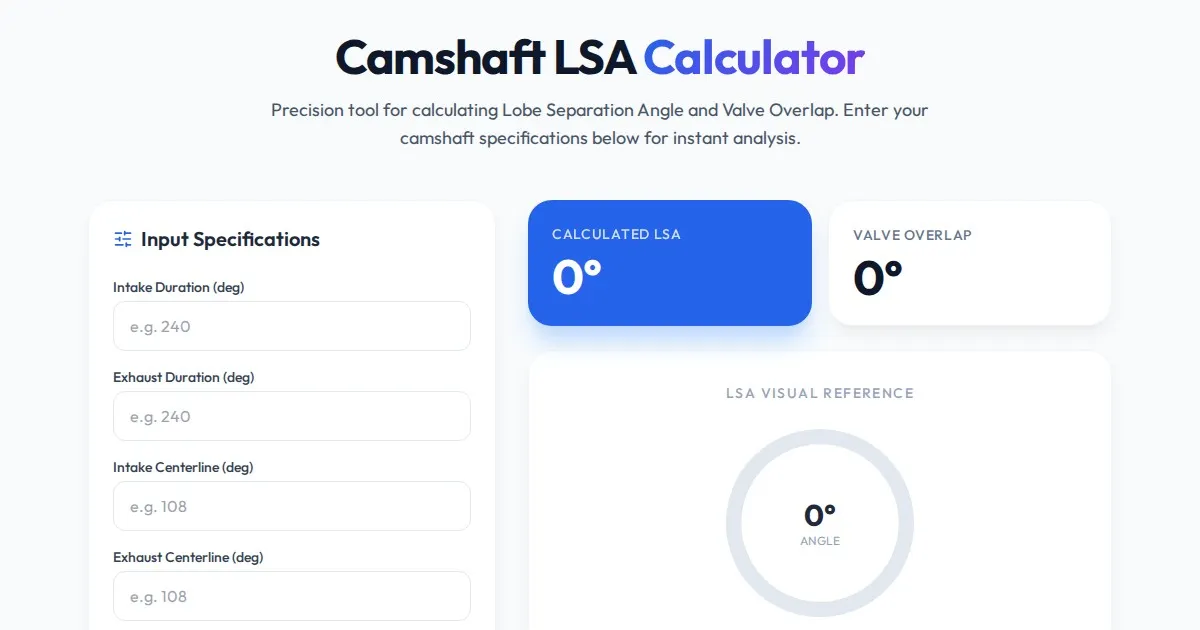
Free Engine Camshaft Lobe Separation Angle (LSA) Calculator
Use this free online camshaft Lobe Separation Angle (LSA) calculator to analyze engine timing. Professional tool for engine builders and automotive tuners.
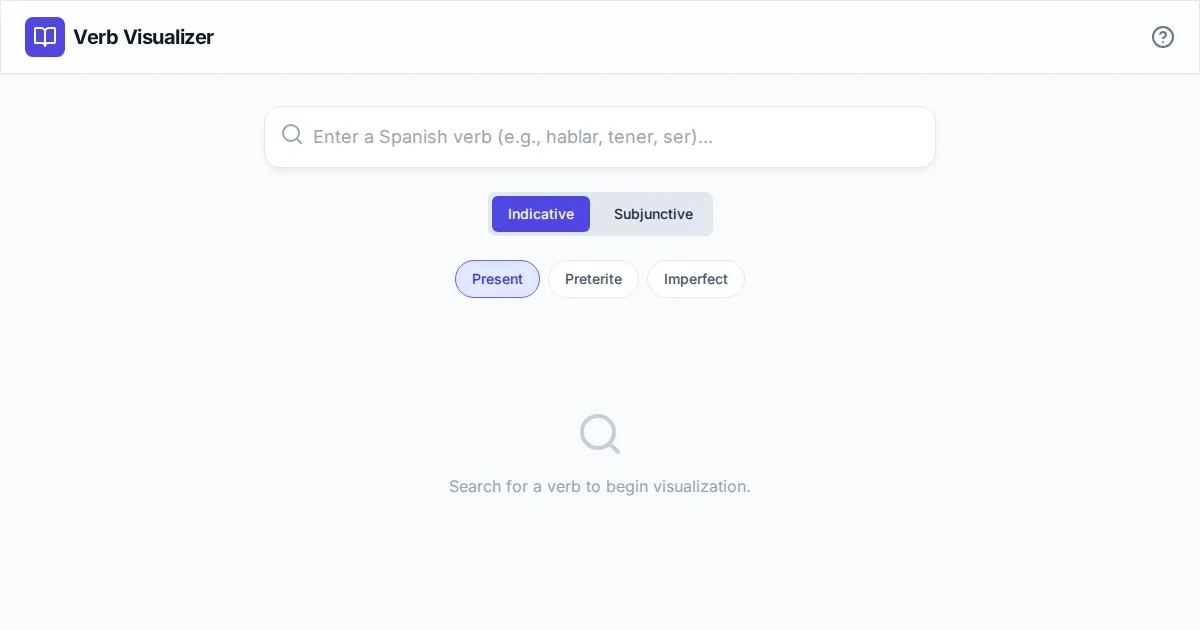
Free Spanish Verb Conjugation Pattern Visualizer Tool
Master Spanish grammar with our free interactive verb conjugation visualizer. Instantly see tense patterns, stem changes, and mood structures in your browser.
Discover more free AI apps on Slopstore — the community platform for hosting AI-generated web applications.