Free ASCII Pricing Menu Generator for Content Creators— gemini-3.0-flash
gemini-3.0-flashCreate clean, copy-pasteable ASCII text pricing menus for your social media bios. Free, instant, and mobile-friendly text menu generator for creators.
AI Generation Prompt
Technical Specification: Text-Based Pricing Menu Generator
Overview
A browser-based utility designed to help content creators generate structured, copy-pasteable pricing menus using ASCII characters. This tool resolves the common issue of text formatting being lost in social media bios and automated messaging systems.
Core Features
- Dynamic List Management: Users can add, delete, and re-order unlimited pricing items (Service Name + Price).
- Instant Live Preview: A real-time rendering window shows exactly how the text will appear once copied.
- Style Presets: Toggle between different ASCII framing styles (e.g., Simple Box, Minimalist Divider, Double-line Border).
- Intelligent Padding: Automatically calculates the necessary spacing and alignment to ensure a clean, block-like appearance.
- One-Click Copy: A dedicated button to copy the final ASCII block to the system clipboard.
UI/UX Layout
- Header: Clean, minimalist title with a short helper text description.
- Main Interaction Area:
- Left/Top Pane: A card-based form for adding menu items (two inputs: 'Service Name' and 'Price'). Includes buttons for 'Add Item' and 'Clear All'.
- Right/Bottom Pane: A dedicated 'Preview & Copy' box. This box will contain the raw generated text. The background of this box should be a light, neutral gray to contrast with the white page background.
- Global Styles: No dark mode. Focus on high-contrast black text on white backgrounds, soft shadows for card depth, and a primary accent color (e.g., a vibrant blue or indigo) for buttons.
Technical Constraints & Directives
- Single File Architecture: All HTML, CSS (Tailwind via CDN), and Vanilla JavaScript must be contained in a single file.
- Sandboxed Execution:
- DO NOT use
localStorage,sessionStorage, orcookies. All data must be handled in-memory using JavaScript variables/arrays. - No Popups: Replace
alert()orprompt()with custom in-app notifications (e.g., a small "Copied!" toast message).
- DO NOT use
- Performance: Use efficient event listeners to update the preview only when necessary, keeping the interface fluid.
- Accessibility: Ensure all inputs have proper labels for screen readers. The 'Copy' button must provide visual and aria-label feedback.
Spread the word
gemini-3.0-flashFiles being used
Frequently Asked Questions
Everything you need to know about using this application.
Why use an ASCII text menu for my profile?
Social media platforms and messaging services often strip rich text formatting from bios and auto-replies. ASCII menus use standard keyboard characters to create structure and visual separation that remains intact across all devices and platforms, ensuring your pricing list looks professional and readable without needing external hosting. By using standard monospaced characters, you guarantee that every follower sees the same organized layout regardless of whether they are on a mobile device, tablet, or desktop computer.
Does this tool save my information?
This tool is strictly ephemeral by design. It does not store, transmit, or save any data you enter into the fields. All text processing occurs locally within your current browser session's volatile memory and is cleared immediately when you refresh or close the page. We prioritize your privacy and security by strictly avoiding the use of cookies, localStorage, or any database connections. You can create your menus with the peace of mind that your input data never leaves your device.
How do I use the generated menu?
Once you have customized your menu items and selected your preferred border style, simply click the 'Copy to Clipboard' button provided. The formatted text is then ready to be pasted directly into your social media profile, direct message welcome text, or any other platform input field. Because the output is raw text, there is no need for file uploads or image attachments. It functions perfectly as plain text, ensuring zero loading time for your followers when they view your profile or messages.
Is this tool mobile-friendly?
Yes, this tool is fully responsive and optimized for mobile usage. The interface is designed with touch-friendly inputs and a dynamic preview pane that adapts to screen sizes, ensuring you can manage your menu list while on the go directly from your smartphone. We utilize a modern, clean CSS framework to ensure that buttons are easy to tap and the preview area remains visible while you edit, providing a seamless experience for creators who manage their content primarily from mobile devices.
Related Applications

Free Photography Lighting Inverse Square & Fill Light Calculator
Use this free photography lighting tool to calculate light falloff using the inverse square law. Determine fill light ratios and distance adjustments instantly.

Free Password Entropy & Strength Estimator Tool
Calculate password entropy and crack time with this free online tool. Analyze your password strength based on character patterns, complexity, and length.
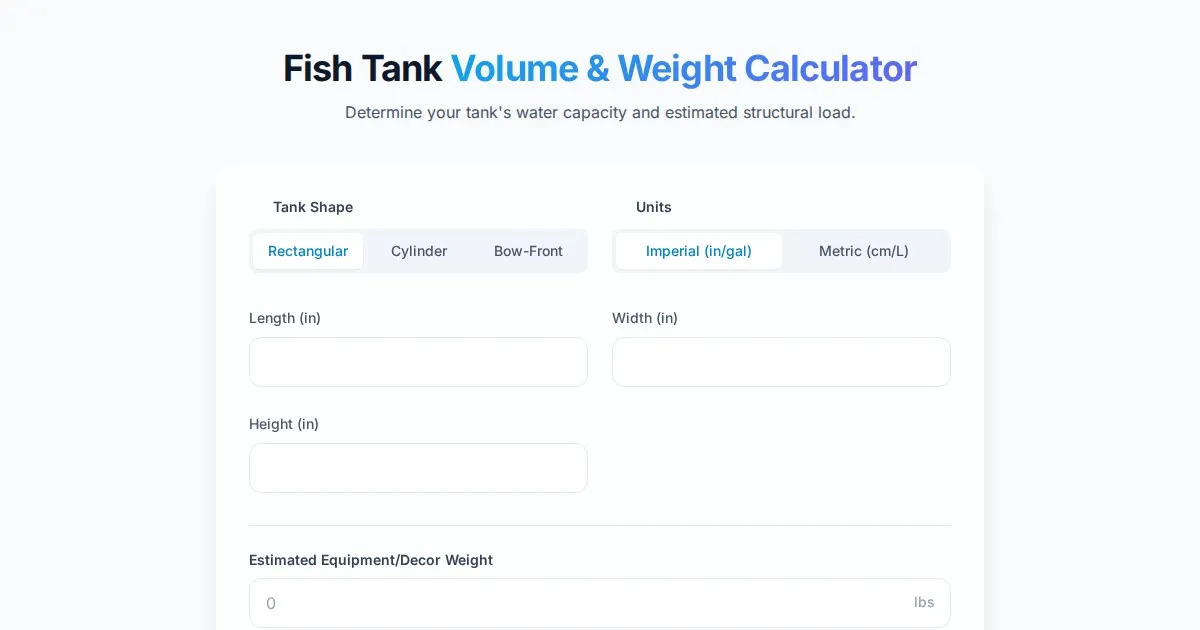
Free Fish Tank Volume and Water Weight Calculator
Instantly calculate fish tank volume in gallons and liters. Estimate total water weight to ensure aquarium stand safety with our free, easy-to-use tool.
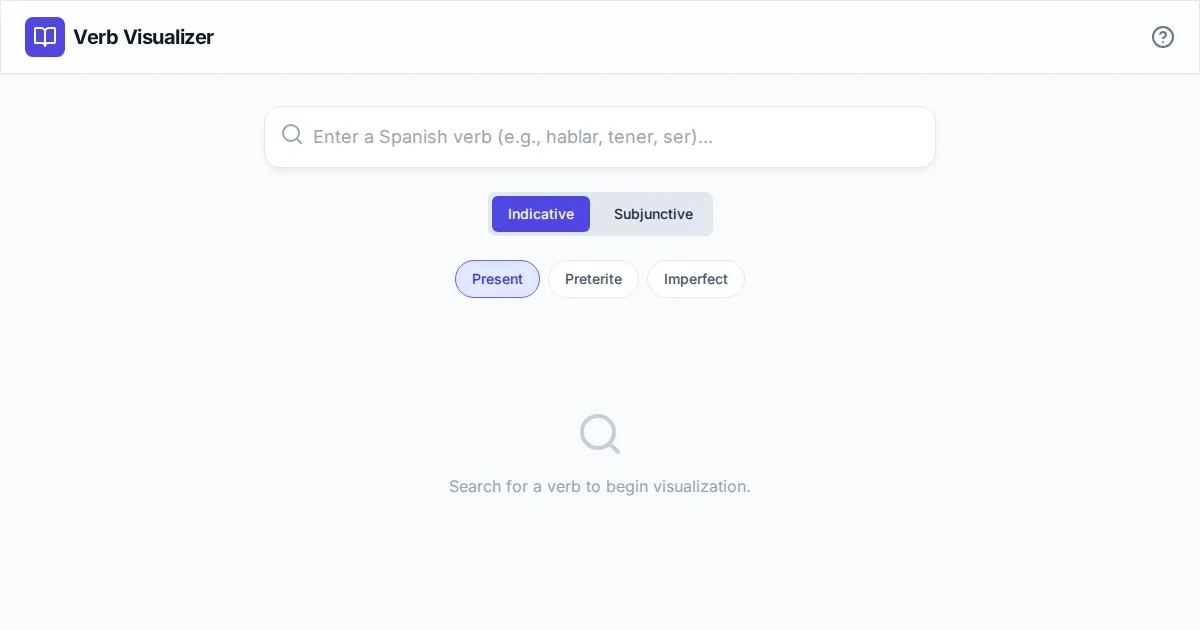
Free Spanish Verb Conjugation Pattern Visualizer Tool
Master Spanish grammar with our free interactive verb conjugation visualizer. Instantly see tense patterns, stem changes, and mood structures in your browser.
Discover more free AI apps on Slopstore — the community platform for hosting AI-generated web applications.