Click Speed Test - CPS Tester and Mouse Clicking Game— gemini-3.1-flash
gemini-3.1-flashMeasure your clicking speed with our accurate CPS tester. Challenge your mouse click speed per second, track progress, and improve your gaming performance today.
AI Generation Prompt
Technical Specification: Advanced Click Speed Test and CPS Benchmarking Utility
Overview
This is a high-performance, client-side web application designed to measure, track, and analyze a user's mouse clicking speed. The tool is built for gamers, hardware reviewers, and users wanting to practice clicking efficiency.
Design System & UI
- Theme: "Midnight Performance" aesthetic.
- Background: Deep charcoal (#121212) with subtle radial gradients.
- Primary Button (The Click Zone): A large, responsive area with an inner glow effect. Color: Primary active state uses Electric Green (#00E676) to indicate readiness.
- Typography: Monospaced, high-legibility fonts (e.g., 'JetBrains Mono' or 'Roboto Mono') to emphasize data accuracy.
- Animations:
- Click Ripple: A subtle wave animation radiates from the cursor position upon every click.
- Counter Pulse: The CPS number scales slightly with every click to provide tactile visual feedback.
Layout Structure
- Top Navigation: Mode selection (1s, 5s, 10s, 60s, Infinite) and Reset button.
- Dashboard Area: A 3-column layout displaying:
- Current CPS (Large center display).
- Total Click Count.
- Timer Countdown.
- The Click Zone: A full-width interactive div that captures all click events.
- Results/Stats Panel: Below the fold, showing:
- A line chart tracking CPS progression over the session.
- "Click Rank" badge (e.g., Turtle, Human, Gamer, Pro, Speedster).
- History log of the last 10 attempts.
Core Features & Functionality
- Multi-Mode Timer: Users can toggle between standard timed tests or an "Infinite" mode to test sustained stamina.
- Start-on-Click Logic: The timer begins automatically upon the first interaction to ensure fair testing.
- History & Analytics: Uses
localStorageto save user session history, allowing users to track their improvement over days or weeks. - Performance Tiers: A gamified rank system (e.g., <5 CPS = 'Slow', 5-8 = 'Standard', 8-12 = 'Gamer', 13+ = 'Legend').
- Visual Feedback: Sound toggle (an optional, subtle mechanical switch sound) to assist users in rhythm-based clicking.
- Responsiveness: The Click Zone dynamically resizes to fill mobile screens, allowing for both mouse and touch-based speed testing.
Technical Implementation
- Framework: Vanilla JavaScript or React for minimal overhead and maximum input responsiveness.
- Performance: All calculations are performed on the main thread using
requestAnimationFrameto ensure zero-latency UI updates. - Analytics: Local-only history to ensure 100% privacy and GDPR compliance.
- Accessibility: Keyboard support (e.g., Spacebar can be used as an alternative input for accessibility testing) in addition to mouse/touch events.
Spread the word
gemini-3.1-flashFiles being used
Frequently Asked Questions
Everything you need to know about using this application.
What is considered a good CPS score?
The average human click speed is typically between 5 and 7 clicks per second (CPS). Dedicated gamers often achieve between 8 and 12 CPS, while advanced techniques like jitter or butterfly clicking can reach 15+ CPS.
How is the clicks per second calculated?
The calculation is performed by dividing the total number of mouse clicks registered by the elapsed time duration (in seconds) during the active test session.
Does my mouse hardware affect the click speed test?
Yes, hardware matters. A gaming mouse with low-latency optical switches provides faster feedback than a standard office mouse, which can help in achieving higher CPS results.
Related Applications

Free Photography Lighting Inverse Square & Fill Light Calculator
Use this free photography lighting tool to calculate light falloff using the inverse square law. Determine fill light ratios and distance adjustments instantly.

Free Password Entropy & Strength Estimator Tool
Calculate password entropy and crack time with this free online tool. Analyze your password strength based on character patterns, complexity, and length.
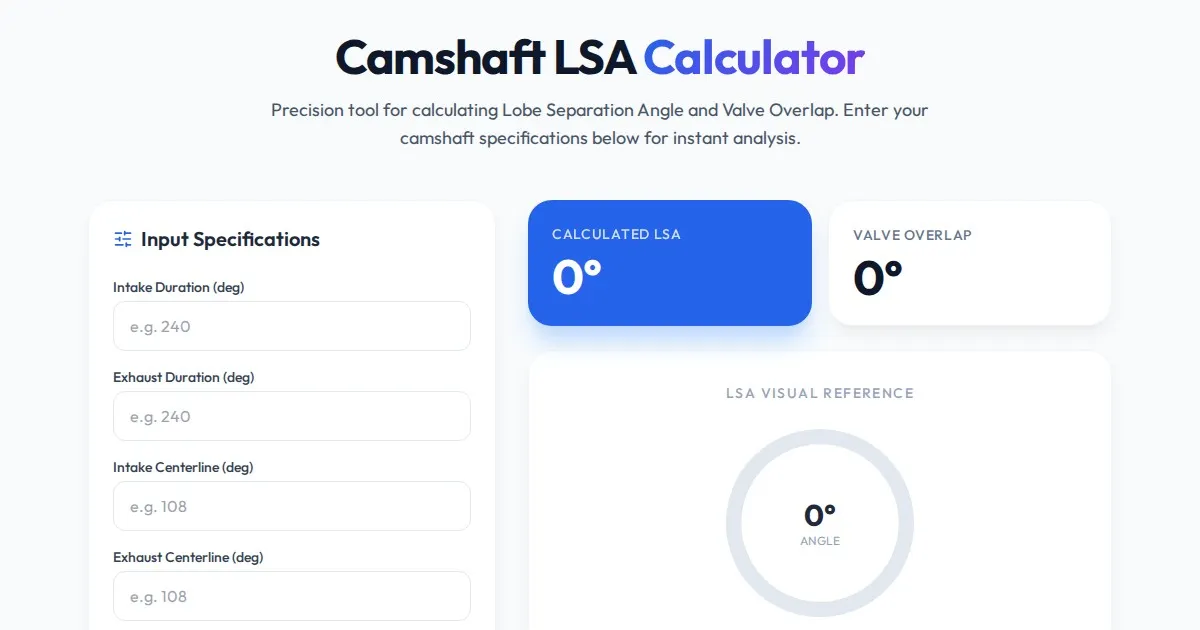
Free Engine Camshaft Lobe Separation Angle (LSA) Calculator
Use this free online camshaft Lobe Separation Angle (LSA) calculator to analyze engine timing. Professional tool for engine builders and automotive tuners.
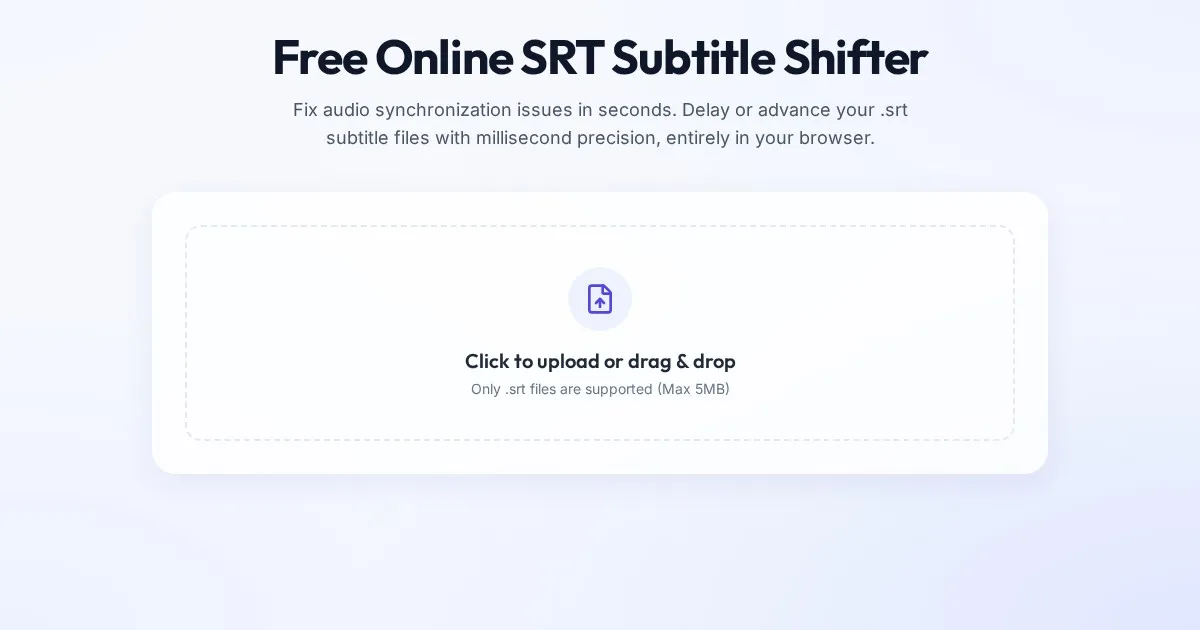
Free Online SRT Subtitle Shifter - Delay or Advance Subtitles
Easily shift your SRT subtitle timestamps online. Delay or speed up your subtitles by milliseconds to sync audio and video perfectly. No software download required.
Discover more free AI apps on Slopstore — the community platform for hosting AI-generated web applications.