AI System Prompt Optimizer and Formatting Tool— gemini-3.1-flash
gemini-3.1-flashOptimize, structure, and refine your AI system prompts. Use this tool to format instructions for LLMs, improving output accuracy and model reliability.
AI Generation Prompt
Application Specification: AI System Prompt Optimizer and Formatting Tool
Core Concept
A high-performance, client-side web application designed to help users construct, refine, and optimize system instructions for Large Language Models (LLMs). The tool turns vague requirements into highly structured, token-efficient, and logically coherent system prompts.
Layout & Design System
- Color Palette: Professional dark-mode aesthetic (Dark Charcoal background #121212, Slate Grey panels #1E1E1E, Neon Mint accents for actions, Off-white primary text).
- Structure: Two-pane split-screen interface.
- Left Pane (Builder): Input controls and settings.
- Right Pane (Live Preview): Read-only output with syntax highlighting.
- Typography: JetBrains Mono for output windows (to ensure character alignment) and Inter for UI elements.
- Animations:
- 'Pulse' animation on the 'Optimize' button when the state is 'dirty'.
- Smooth fade-in for dynamic constraint additions.
- Slide-in notifications when copying text to the clipboard.
Interactive Features
- Structured Input Modules:
- Persona Builder: Dropdown presets (e.g., Developer, Creative Writer, Data Analyst) or custom input.
- Constraint Checklist: Add/Remove functionality for negative constraints (e.g., 'Do not use emojis', 'Never mention specific brands').
- Output Format Selector: Radio buttons for common formats (JSON, Markdown, XML, Plain Text, CSV).
- Variable Injection: Support for placeholder tags like
{{user_context}}or{{date}}.
- The 'Optimizer' Engine (Client-Side Logic):
- Clarity Pass: Automatically replaces passive voice with active verbs.
- Structure Pass: Converts paragraph-style instructions into clear bulleted lists and headers for better LLM token parsing.
- Constraint Strength: Users can set weights for instructions (High/Medium/Low priority).
- Utility Suite:
- Token Estimator: A real-time counter showing the estimated token count of the generated system prompt.
- Copy-to-Clipboard: Single-click copy with an 'Action successful' toast notification.
- Template Library: Pre-built, editable blocks for common tasks (e.g., 'JSON Data extraction', 'Code Reviewer', 'Language Translator').
- Version History (Local Storage): Autosave feature storing the last 5 iterations in the user's browser cache.
- Advanced Settings:
- Toggle between 'Concise' vs 'Descriptive' output styles.
- 'Escape Quotes' switch for JSON-based system prompts.
Technical Implementation
- Framework: Vanilla JavaScript (ES6+), HTML5, CSS3 (using CSS Variables for theme management).
- State Management: Simple observer pattern to keep the Preview Pane in sync with the Builder Pane.
- Local Storage:
window.localStorageto persist templates and session history. - Performance: Zero-latency updates. All operations run client-side to ensure privacy and speed.
Spread the word
gemini-3.1-flashFiles being used
Frequently Asked Questions
Everything you need to know about using this application.
What is an AI system prompt optimizer?
An AI system prompt optimizer is a tool that helps users restructure, clarify, and enhance the initial instructions provided to a Large Language Model (LLM) to ensure more predictable, accurate, and high-quality responses.
How does prompt formatting improve AI performance?
Proper formatting, such as using headers, bullet points, and clear constraints, helps the AI model parse instructions more effectively, reducing ambiguity and preventing unwanted output behaviors.
Is this tool suitable for professional prompt engineering?
Yes, this tool is designed for prompt engineers and developers to iterate on system instructions, test different constraints, and refine the behavior of the AI effectively.
Related Applications
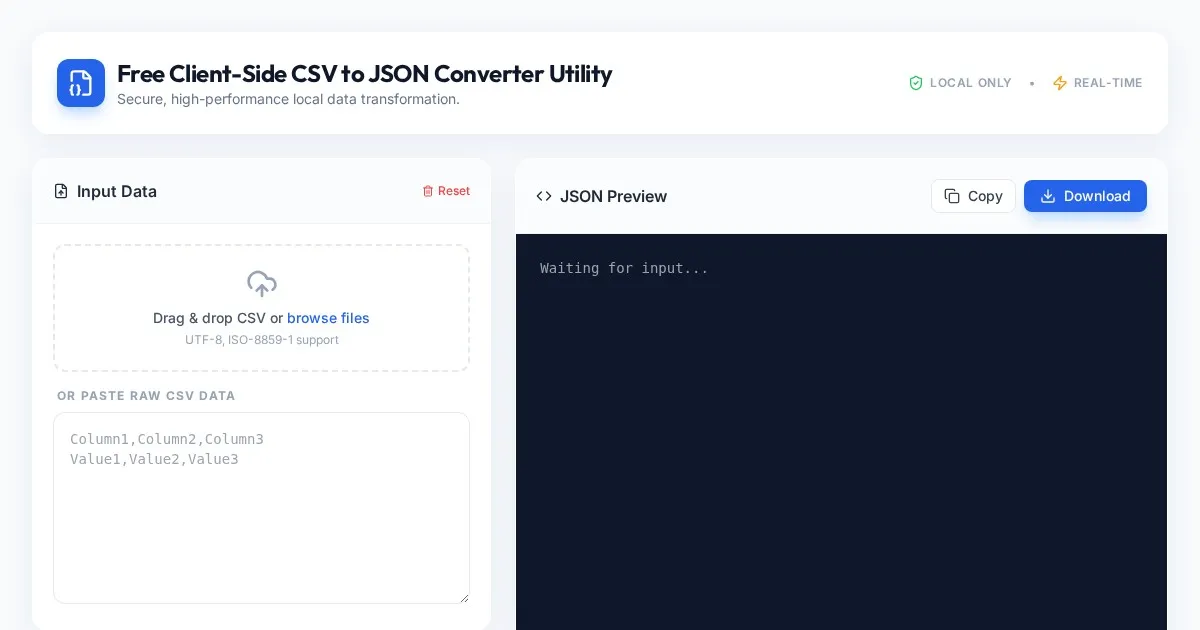
Free Client-Side CSV to JSON Converter Utility
Convert CSV files to formatted JSON arrays securely in your browser. Fast, client-side processing ensures your data never leaves your local device. Free tool.
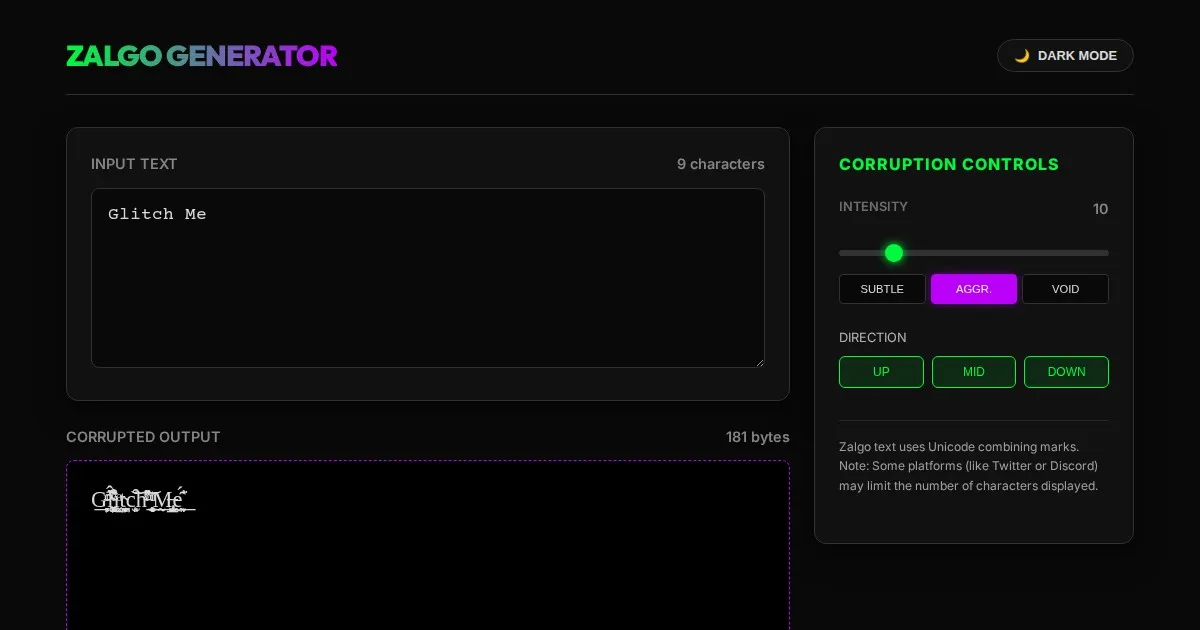
Free Online Glitch Text Generator - Creepy Zalgo Converter
Create distorted, glitchy, and creepy Zalgo text online with our free generator. Customize corruption intensity and copy-paste glitched characters instantly.
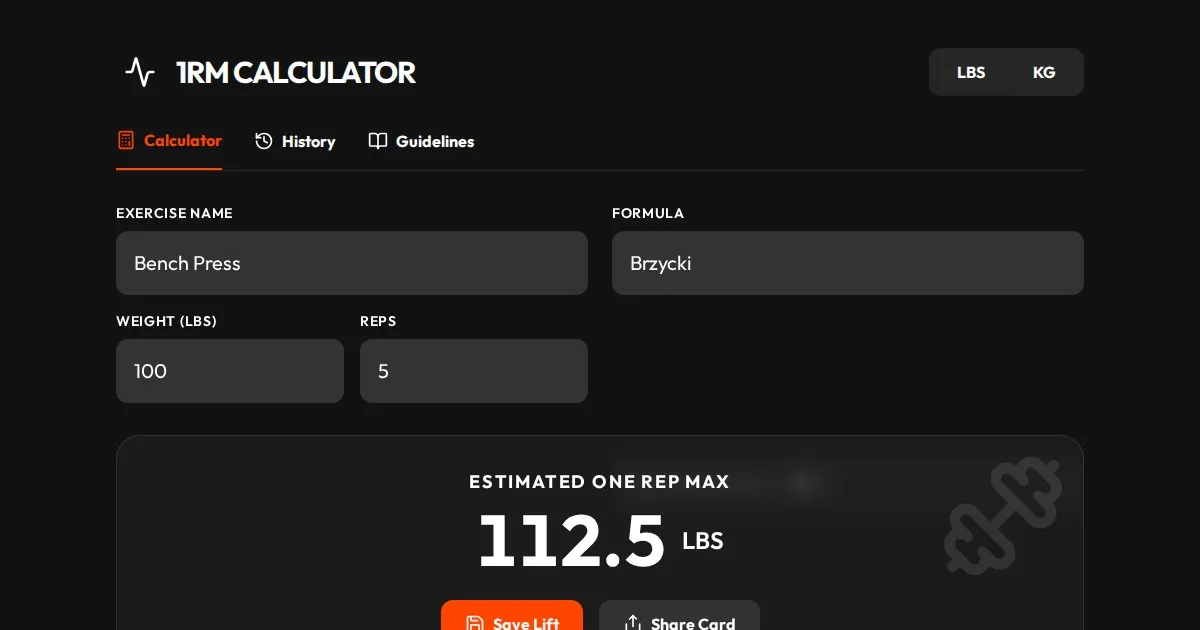
Free One Rep Max Calculator for Strength Training & Lifting
Accurately calculate your One Rep Max (1RM) for squats, bench press, and deadlifts using established formulas like Brzycki, Epley, and Lombardi. Plan your lift.
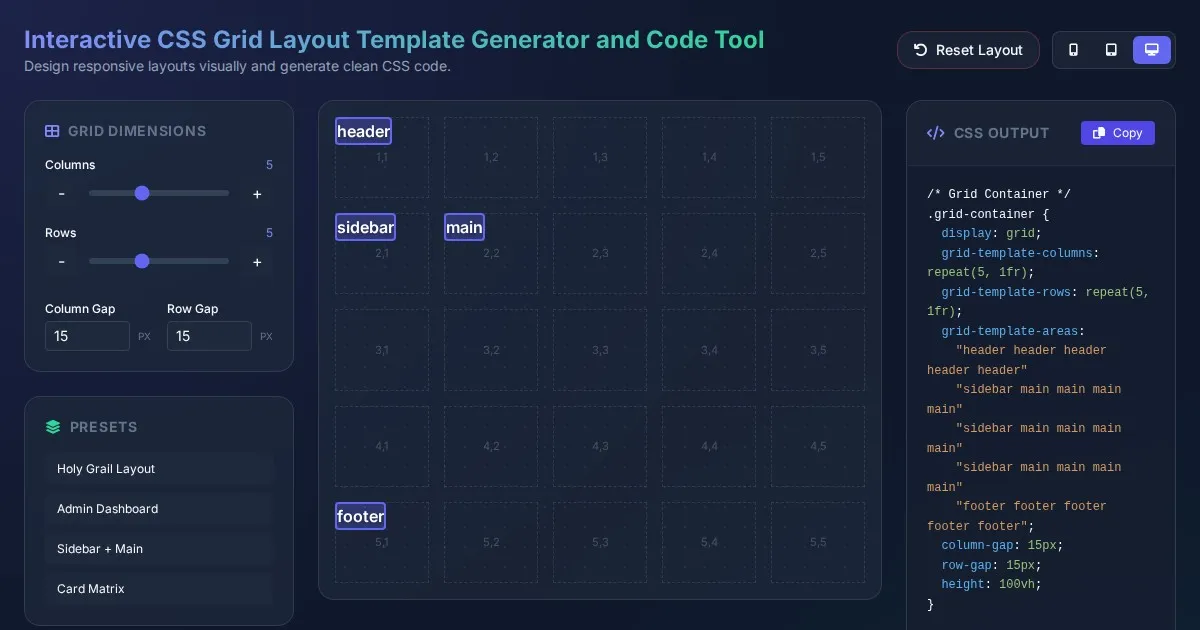
Interactive CSS Grid Layout Template Generator and Code Tool
Create custom website layouts with our visual CSS Grid template builder. Easily generate responsive grid code for web development and export CSS styles.
Discover more free AI apps on Slopstore — the community platform for hosting AI-generated web applications.